
How to Get Your Fomo Tax Report
Get your Fomo tax report in Settings, then Taxes, through Awaken. What it costs, what to do if Taxes is missing and the trades that confuse tax tools.

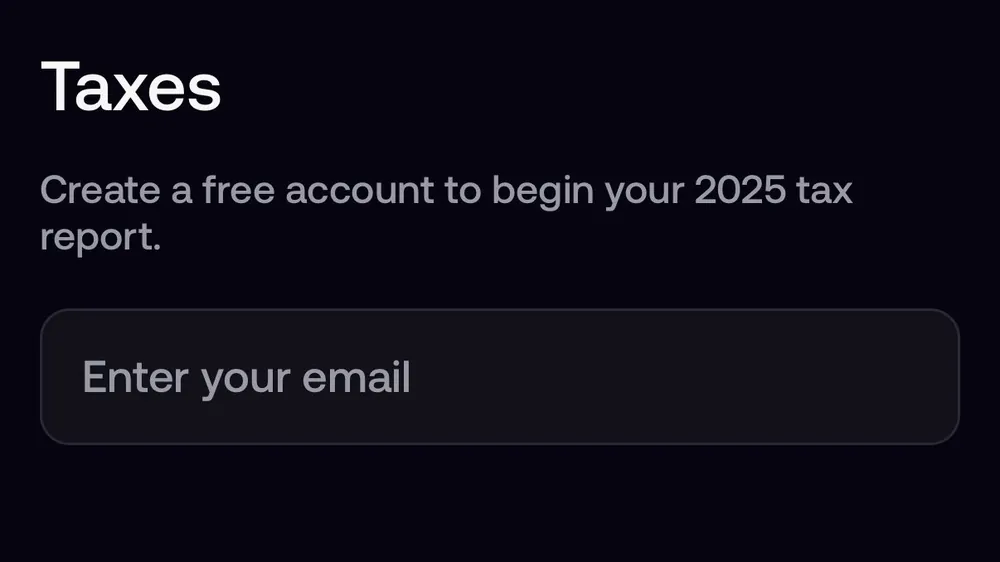
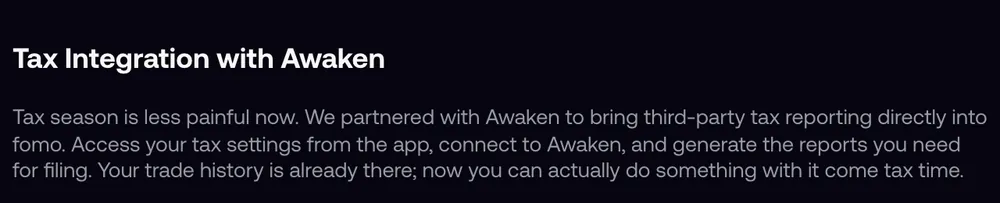
Fomo generates tax reports through Awaken, a crypto tax software company it partnered with in January 2026. To get yours, open the Portfolio tab, tap the gear icon, then Taxes, and create an Awaken account with your email. Awaken pulls in your Fomo trades and builds the reports for the tax year. The Taxes row only shows on accounts where Fomo offers it; if you don't see it, you can still build a report from your wallet addresses.
Fomo itself doesn't give tax advice, and neither does this guide. What follows is how to get the numbers out of the app so you, your accountant or your tax software can work with them.
How to open Taxes in Fomo
- Open the Portfolio tab and tap the gear icon at the top right.
- Tap Taxes. It sits in the Settings list between Legal and Privacy and Help and Support.
- Enter your email to create a free Awaken account and start your report.
- Follow Awaken's steps to review the trades and download the reports you need.
Fomo announced the integration on January 31, 2026, and on March 6 told users to head to Settings, then Taxes, to generate their 2025 report. Your trade history is already in Fomo, so the link saves you from copying it out by hand.
What Awaken is and what it costs
Awaken is crypto tax software that says more than 40,000 people use it, across 55-plus countries. For US filers it produces forms such as Form 8949. Creating an account costs nothing, but Awaken charges an annual fee for paid plans based on how many transactions you made in the tax year, so an active memecoin trader can land on a higher tier than a casual one. Check Awaken's own pricing page before you rely on it.
No Taxes row? Build the report yourself
Fomo lists Taxes "when it is available to your account", so some users won't see it. You can still get your full history, because every Fomo trade happens on-chain in wallets you own.
- Copy your wallet addresses. Portfolio tab, gear icon, Profile and Account, then the addresses row. You have one Solana address and one EVM address, which is the same on Base, Ethereum, BNB Chain, Monad, Robinhood Chain and Arc.
- Add them to a crypto tax app that reads Solana and EVM wallets, Awaken included. If the tool asks which chain an address is on, add the EVM address once for each chain you traded on.
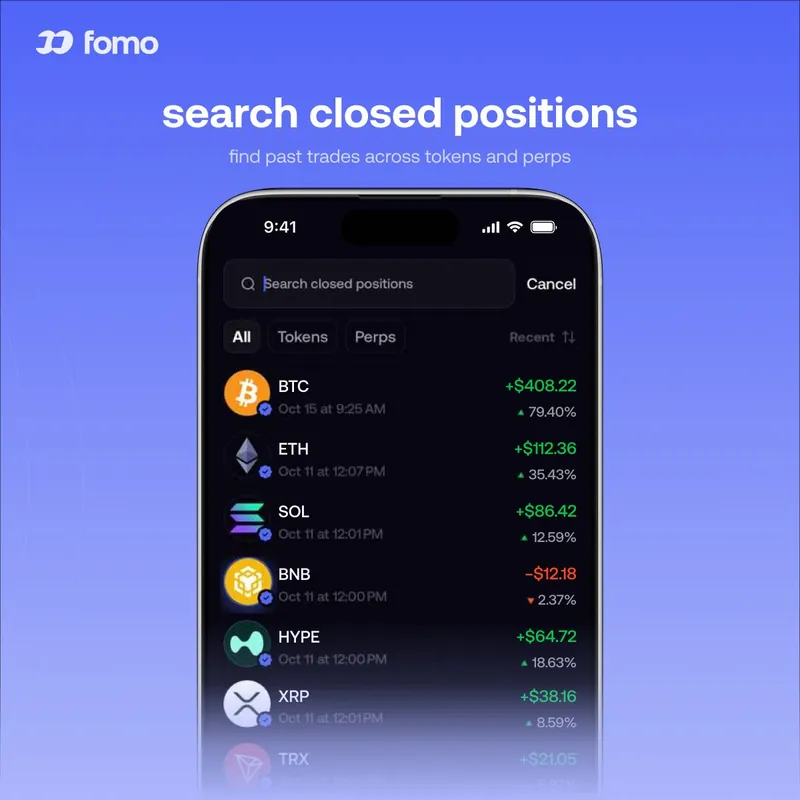
- Check the history against the app. Fomo's History screen in the phone app, and the searchable list of closed positions, show what you bought and sold. The web app only shows your transfers.
- Look up anything odd on a block explorer: solscan.io for Solana, basescan.org for Base, bscscan.com for BNB Chain, etherscan.io for Ethereum, robinhoodchain.blockscout.com for Robinhood Chain, monadvision.com for Monad and explorer.arc.io for Arc.
Things that confuse tax tools
- Cross-chain trades. Your cash is USDC on Solana, so a buy on Base starts with USDC leaving Solana and a token arriving on Base. Some tax tools read that as two unrelated transfers. Check those pairs by hand.
- Trading rebates. Fomo labels Solana cashback as Trading rebate in your transaction history. Ask how your country treats rebates.
- Referral and creator rewards. Earnings from your referral code and creator rewards land in your cash balance. Many countries treat that as income, separate from trading gains.
- Perps. Perps run on a separate perps balance, with funding payments every hour. Make sure your tool picks up the perps account, not only spot trades.
- Spam tokens. Fake tokens sent to your wallet can show huge values. Mark them as spam rather than income.
Common questions
Does Fomo send tax forms like a 1099?
Fomo's help center mentions no tax forms of its own. The reports come from Awaken or the tax software you choose.
Does Fomo report my trades to the tax office?
Fomo's help center doesn't say. Your trades are public on the blockchain either way, so keep your own records.
Do I need ID to use the tax tool?
Fomo's tax screen asks only for your email to create the Awaken account. Awaken may ask for more when you build a report.
Related: how to find your Fomo transaction history and transaction hash and how the cash balance works across chains.
 Written by Mohammad ShahpariCrypto and SEO specialist
Did this answer your question?
Thanks for the feedback.


