
How to Hide Your Balance and Tokens on Fomo for Privacy
Tap your balance to hide it, press Cmd+B on the web, or long-press a token to hide it. What each setting masks, what stays public and how dust works.

To hide your balance on Fomo, tap the balance at the top of the Home screen. It turns to stars and a message says "Balance hidden. Tap again to unhide." On the web, hover your profile picture and choose Blur balances, or press Cmd+B on a Mac and Ctrl+B on Windows. To hide one token from your holdings, press and hold its row in the app, or right-click it on the web, and choose Hide token.
Both are display settings on one device. Nothing in your wallet moves, nothing is sold, and other people can still see your public trades. Here's exactly what each one hides and what it doesn't.
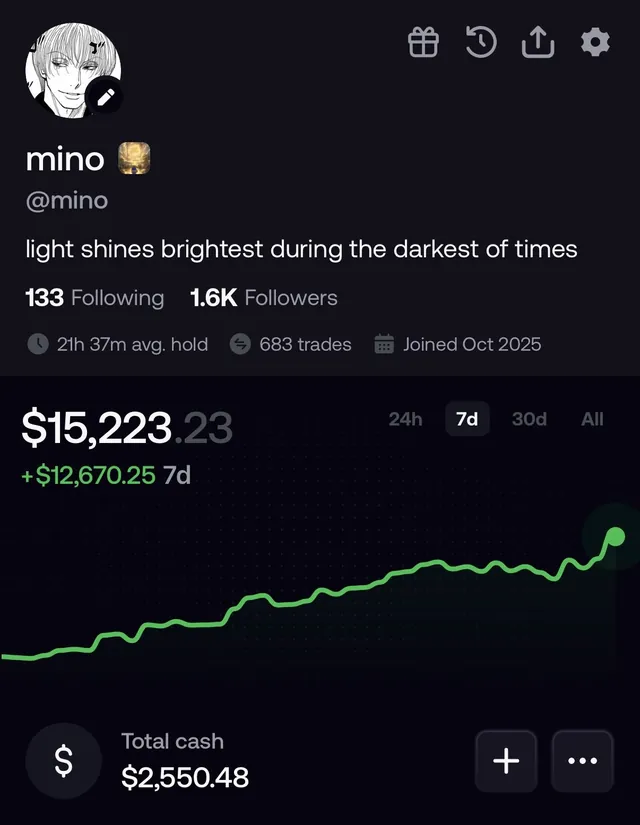
How to hide your balance in the app
- Open the Home screen.
- Tap your balance at the top. It's masked, and a note reads Balance hidden. Tap again to unhide.
- Tap it again whenever you want the numbers back. Tapping the balance on your Portfolio chart does the same thing.
While it's on, your own figures are masked across the app on that phone: the Home screen, your Portfolio and perps account values, your profile, the cash balance sheets, your trade rows, your position on a token page, and your own row and rank on the leaderboard.
How to blur balances on the web
At fomo.family, hover your profile picture at the top of the page and choose Blur balances. The keyboard shortcut is Cmd+B on a Mac or Ctrl+B on Windows, handy when someone walks up behind you. Choose it again to show the numbers.
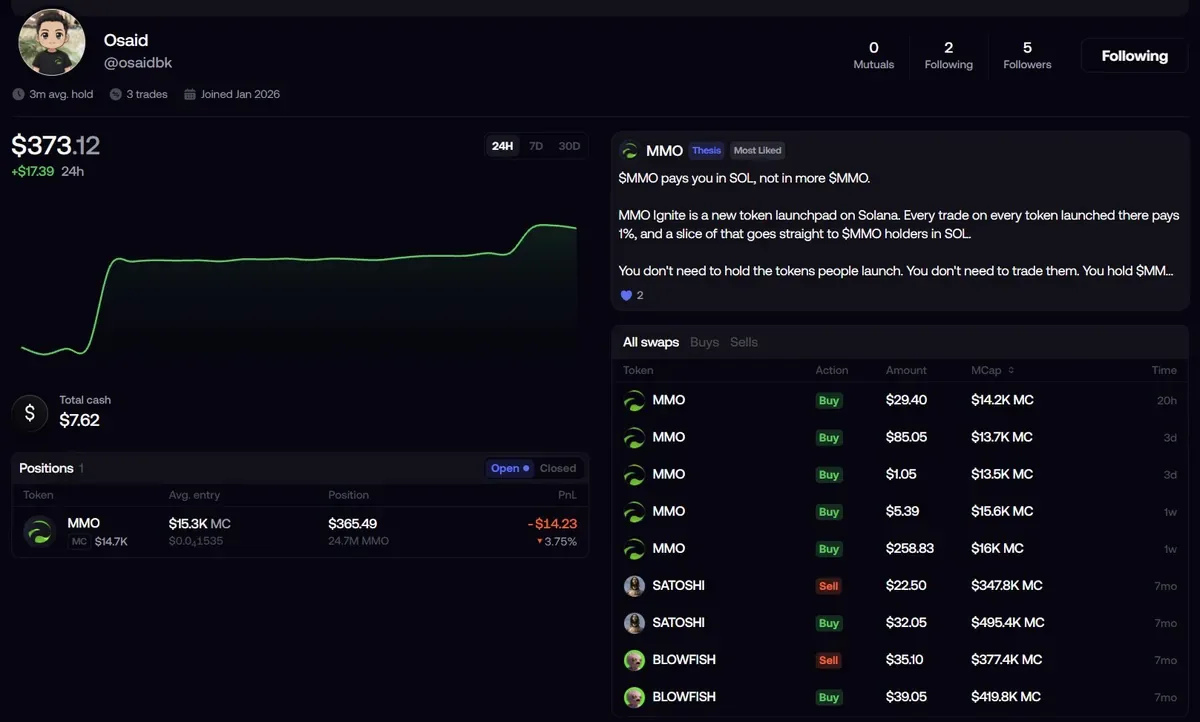
What hiding your balance does not do
- It doesn't hide you from other traders. Other people's figures are unaffected, and so is your row in a token's holders list. Your public trades in the feed still show.
- It doesn't follow you to other devices. It's saved on the device where you set it. Your laptop, a second phone or a fresh install shows balances again.
- It doesn't change anything in your wallet. Your cash and tokens are exactly where they were.
So it's a screen-privacy tool, for screenshots, screen sharing, a café or a commute. It isn't an account privacy setting.
How to hide a token from your holdings
Airdropped junk, a coin that went to zero or a position you're tired of looking at can clutter your list. To hide one:
- In the app: press and hold the token row on Home or on the Portfolio tab and choose Hide token. The row dims and moves under Show hidden at the bottom of the list.
- On the web: right-click the token row and hide it. To see hidden tokens again, tick Show hidden in the Your positions header, next to Show dust. That checkbox switches itself off when you reload the page.
Hiding works on open positions, not closed ones. Like the balance setting, it's saved per device, and the token keeps its value in your wallet and in your balance.
Hidden tokens versus dust
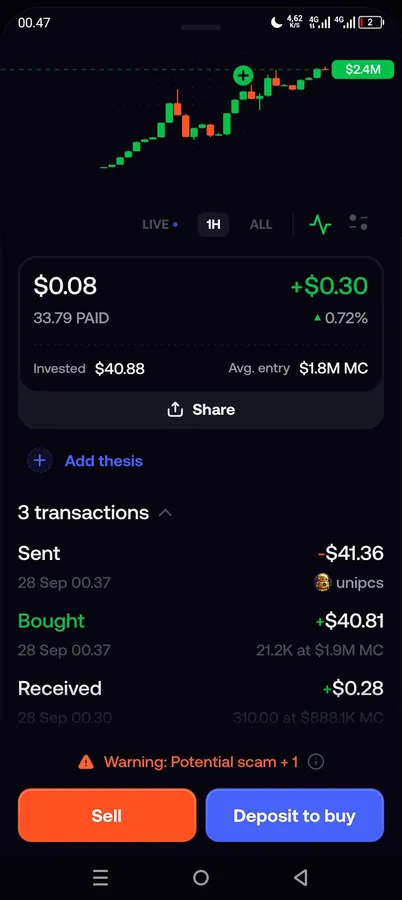
Fomo also hides small leftovers on its own. Holdings worth under $2 are filed as dust and kept out of your list by default. They sit under the same Show hidden control in the app; on the web it's the Show dust checkbox. You can't sell dust in the app, because the minimum sell is 2 USDC on most chains and 5 USDC on Ethereum.
A word on random tokens
If a token you never bought appears in your wallet, hiding it is the right move. Scammers send fake tokens to wallets in bulk, often showing a large dollar value that you can't actually sell. Don't trade it, don't follow any link in its name, and don't sign anything connected to it. Hiding it just keeps it out of sight.
Common questions
My balance shows stars and I didn't hide it
Someone tapped the balance, maybe you by accident. Tap it once to unhide. On the web, open the menu under your profile picture and turn off Blur balances.
Can I make my whole profile private?
Fomo's help center describes no private profile option. Hiding balances and tokens only changes what your own screen shows.
Does hiding a token sell it?
No. It stays in your wallet at full value and still counts in your balance.
Related: how the Fomo cash balance works and what changes when you link X.
 Written by Mohammad ShahpariCrypto and SEO specialist
Did this answer your question?
Thanks for the feedback.


