
How to Set Up Fomo Notifications Without Getting Spammed
Every Fomo notification setting explained, a setup that keeps price alerts and drops the noise, team updates, perps alerts and why pushes stop.

Fomo's notification settings are in the phone app: open the Portfolio tab, tap the gear icon, then Notifications. One switch at the top turns everything on or off, and below it you choose each kind of alert separately. The web app has only one setting, Trader activity alerts for the traders you follow.
Leave everything on and a busy day can bring dozens of pushes. Set them up once and you get the few that matter, like a big move in a coin you hold or a trade from a trader you trust, without the rest.
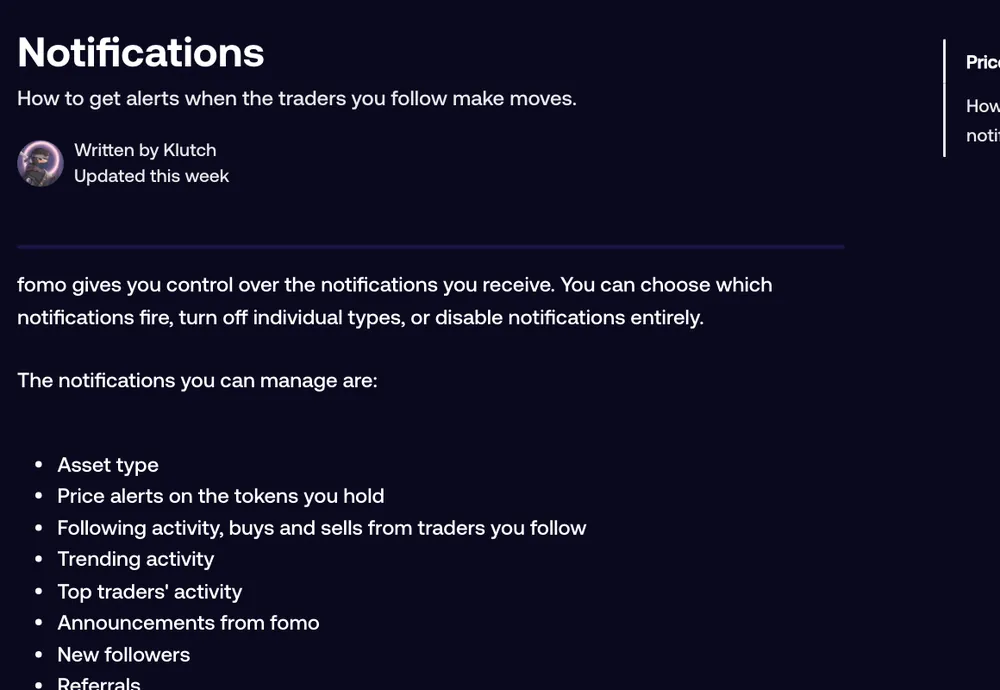
Every notification Fomo can send
| Setting | What it sends | Type |
|---|---|---|
| Enable notifications | The master switch for all of the below | Switch |
| Trending activity | Trending activity on Fomo, plus team updates on coins you hold | Switch |
| Top traders' activity | Activity from Fomo's top traders | Switch |
| Announcements | News from Fomo itself | Switch |
| New followers | Someone followed you | Switch |
| Referrals | Alerts about your referrals | Switch |
| Asset type | The kinds of assets your alerts cover | Own screen |
| Price alerts | Big moves in tokens you hold | Own screen |
| Following activity | Buys and sells from traders you follow, above a trade size you pick | Own screen |
Pushes arrive even when the app is closed, as long as notifications for Fomo are allowed in your phone's settings.
A setup that doesn't spam you
Follow a lot of traders with Following activity and Top traders' activity both on, and the pushes pile up fast. Try this instead:
- Keep Price alerts on. Open the Price alerts screen and leave My holdings switched on. It warns you about large moves, up or down, in tokens you hold since you bought them. This is the one that saves money.
- Trim Following activity. Open its screen and raise the minimum trade size, so a $20 buy doesn't ping you. Then pause or turn off alerts for individual traders and keep them only for the few whose trades you act on. Following someone in the feed doesn't mean you need a push for each of their buys.
- Turn off Top traders' activity unless you trade like they do. It fires often, and their sizes and timing rarely suit a small account.
- Keep New followers and Referrals if you post theses or share cards; switch them off if you don't.
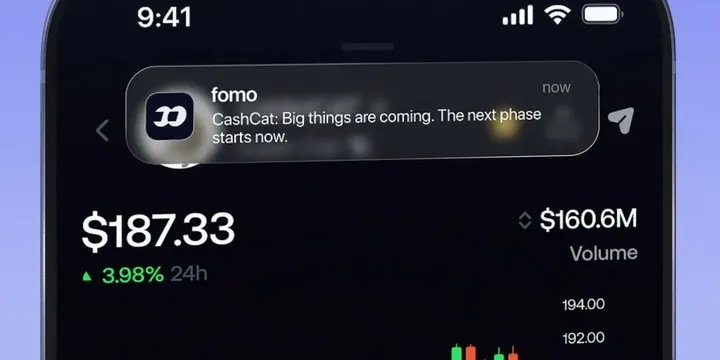
- Decide on Trending activity. It carries the general trending alerts, and also the team updates for coins you hold, so switching it off mutes both.
Price alerts: what they can and can't do
Fomo's price alerts cover the tokens you already hold. You can't set an alert for a coin you're only watching, and you can't pick a target price or a dollar amount. The single My holdings switch alerts you to large moves since you bought.
That's a real limit if you're used to setting "tell me at $0.05" on other apps. If you need target alerts, use a separate charting app and keep Fomo's alerts for the coins in your wallet.
Team updates from token developers
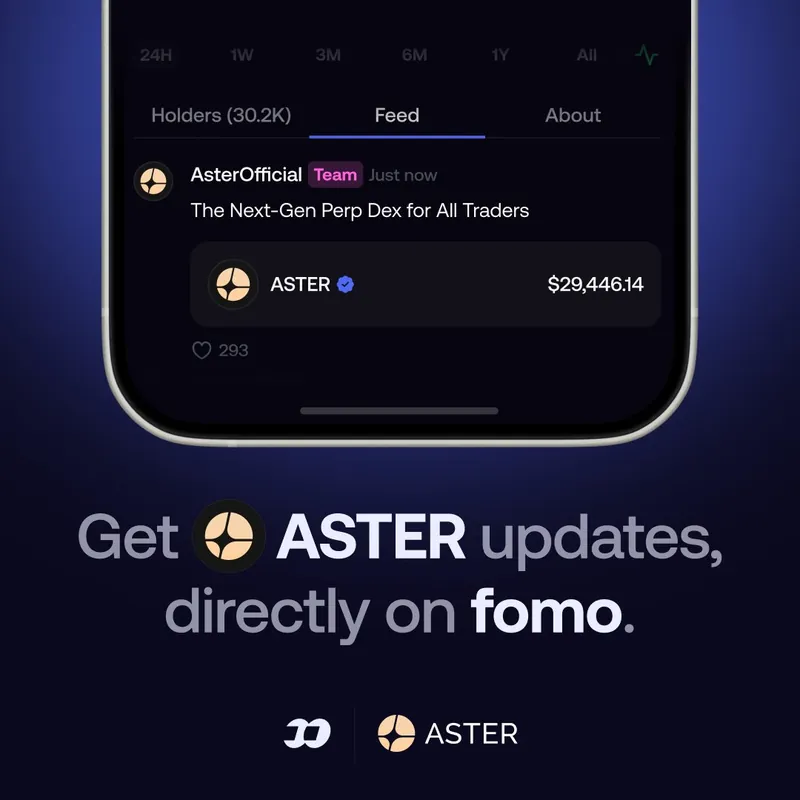
Some token teams post updates to their holders on Fomo with a team tag. When the developer of a token you hold posts a thesis on it, you get it as a Team update. If you follow that developer but don't hold the token, you get the normal thesis notification instead. Nobody gets both.
Team updates follow the Trending activity switch. Turn that off and you won't get them as a holder; you'd only see the developer's post as a regular thesis notification if you follow them.
Perps notifications
If you trade perps, Fomo sends its own alerts for liquidation risk and for take profit, stop loss and limit order fills. Liquidation risk alerts are always on and can't be switched off, which is a good thing. The fill notifications follow the main Enable notifications switch.
Common problems
I get no notifications at all
Check two places: Enable notifications at the top of Fomo's Notifications screen, and notifications for Fomo in your phone's own settings. Either one being off stops everything.
I only want alerts for one trader
Open Following activity and turn the alerts off for every trader except that one. The feed still shows everyone you follow.
The web app doesn't notify me
The web app has only the Trader activity alerts setting. Everything else is set and delivered in the phone app.
More on the people side of Fomo is in the guide to following traders. For the words used on these screens, see the Fomo glossary.
 Written by Mohammad ShahpariCrypto and SEO specialist
Did this answer your question?
Thanks for the feedback.


