
Can't Log In to Fomo? Fixes for Apple and Google Sign-In
Empty account, MFA lock or a login error? Six checks for Fomo sign-in with Apple or Google, plus what support needs if your original login is gone.

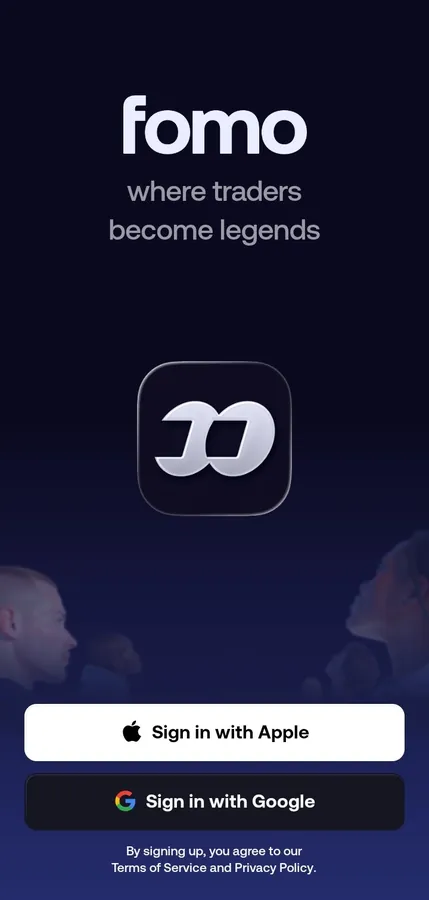
Fomo has no password of its own. You log in with Sign in with Apple or Sign in with Google, and your account belongs to whichever one you used on day one. Most login problems come down to that: a different Apple ID or Google account opens a different, empty Fomo account. The rest are an MFA lock, a phone clock set by hand, or a problem on Fomo's side.
Work through the checks below in order. They start with the causes that fix most cases and end with what to send support when nothing else works.
Check 1: Are you using the same Apple ID or Google account?
This is the big one. Fomo ties your wallets to the login you signed up with. Pick another one, even another Google account on the same phone, and Fomo creates a brand new account with its own empty wallets. Your money is fine; it's in the first account.
- Log out: Portfolio tab, gear icon, scroll to the bottom, Logout.
- Sign in again and choose the account you used the first time. If you used Sign in with Apple and hid your email, the login is your Apple ID, not that hidden email address.
- On the web the buttons read Continue with Apple and Continue with Google. In the app they read Sign in with Apple and Sign in with Google. They lead to the same accounts.
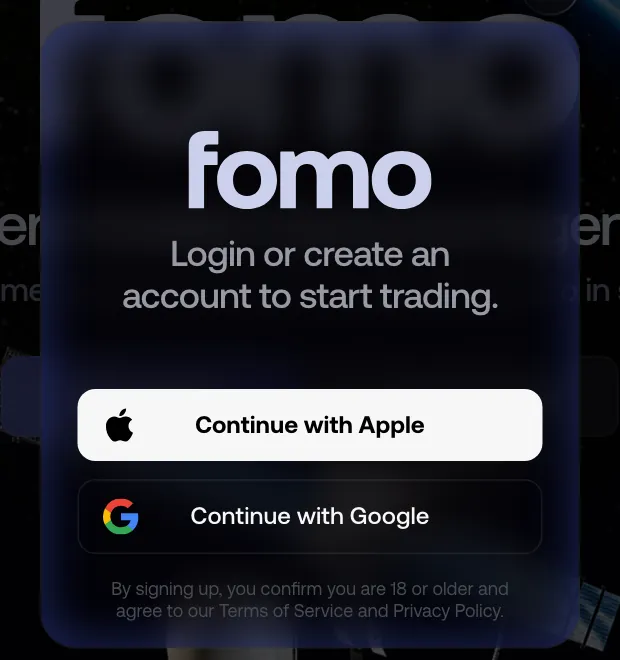
If the web shows a sign-up prompt even though you picked the right login, tap through it. Fomo says this loads your existing account and doesn't create a second one.
Check 2: Is your phone's date and time on automatic?
Login tokens and MFA codes depend on the clock. If you set the time by hand or travelled across time zones, turn on automatic date and time in your phone settings and try again. Fomo's own help lists this as the first fix after checking the account.
Check 3: Is MFA blocking you?
Once multi-factor authentication is on, Fomo asks for it after every login. If the code fails:
- Use the newest Fomo entry in your authenticator app. Each setup attempt makes a new entry, and old ones give wrong codes.
- If you see "Too many attempts. Try again later.", stop. Wait a few hours, then try once with a fresh code. Reinstalling the app doesn't clear it.
- If you lost the authenticator, use Contact support on the lock screen. Support verifies your identity before helping.
The full setup and recovery steps are in how to turn on MFA on Fomo.
Check 4: Does the app load at all?
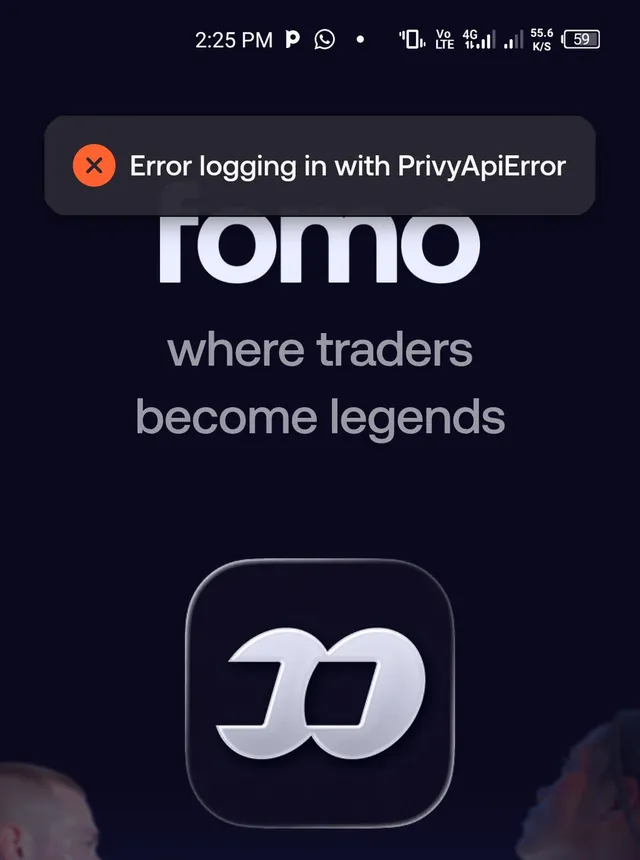
If the app freezes on the splash screen or a login error pops up, close it fully and reopen it. If that fails, delete it and install it again from the App Store or Google Play. Your wallets and funds are tied to your login, so a reinstall doesn't touch them. When the phone app won't cooperate, try the same login at fomo.family on a computer; if it works there, the problem is the phone, not your account.
Check 5: Is it Fomo, not you?
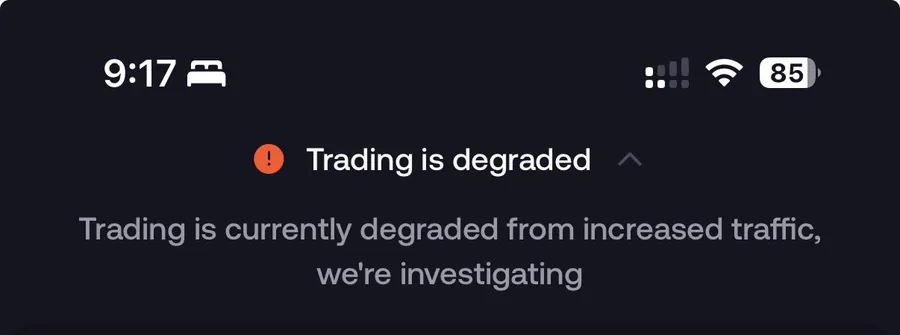
On very busy days Fomo shows a banner at the top of the app, such as "Trading is degraded", while it fixes a problem. During those hours logins and balances can be slow, and positions can disappear from the screen for a while. Your funds sit in your own wallets, so give it time instead of creating a new account, and check Fomo's posts on X for updates.
Check 6: Does your original login still exist?
If you deleted the Apple ID or Google account you signed up with, or lost access to it, Fomo can't move your wallets to a new login, and support can't override that. What support can do is take your case to Fomo's login provider. Send:
- Your Fomo username
- The email address of the Apple ID or Google account you first signed in with
- When you last logged in successfully
The login provider decides whether access can be restored, so there's no promised outcome or timeline. This is the strongest reason to keep your Apple or Google account itself secure, with its own two-step verification.
An "Account restricted" screen
Some users see "This account is restricted from using the app. Please contact support if you believe this is an error." The screen still offers Export key, so your wallets stay in your hands. Write to support from that screen if you think it's a mistake. Fomo doesn't publish why an account gets restricted, but its terms do bar use from a list of countries and the use of a VPN to get around that; the guide to where Fomo is available lists those places.
How to change your password or email
There's nothing to change inside Fomo. Your password and your account email are your Apple ID's or Google account's. Change them there and Fomo follows on its own. Changing the password is also how you log out a device you no longer have, because Fomo has no "sign out of all devices" button. More in how to change your email, sign out or delete your account.
Still stuck? Here's how to contact Fomo support and what to include so they can help faster.
 Written by Mohammad ShahpariCrypto and SEO specialist
Did this answer your question?
Thanks for the feedback.


