
Can You Import an Existing Wallet Into Fomo?
Fomo can't import Phantom or MetaMask. Move funds into your Fomo wallets instead, or export your Fomo keys to use them in another wallet app.

No. Fomo doesn't let you import an existing wallet such as Phantom or MetaMask, whether by seed phrase or by private key. When you sign up, Fomo creates two new wallets for your account, a Solana wallet and an EVM wallet, and they can't be swapped for ones you already have. What you can do is send funds from your old wallet into the Fomo wallets, or go the other way and open your Fomo wallets inside another app by exporting their keys.
Both routes work. Which one fits depends on whether you want to trade your old coins on Fomo or keep using your favourite wallet app on the side.
Why Fomo can't import your wallet
Fomo builds its wallets for you at sign-up and ties them to your Apple or Google login, with no seed phrase. Behind that, your private key is split into several shares so that no single party, Fomo included, holds enough to rebuild it, and it's put back together only inside secure hardware for the moment a transaction is signed. A wallet you made elsewhere has its key in your own hands, outside that setup, so there's nothing for Fomo to attach to.
Option 1: Move your funds into Fomo
If the goal is to trade on Fomo with money you already hold elsewhere, send it across.
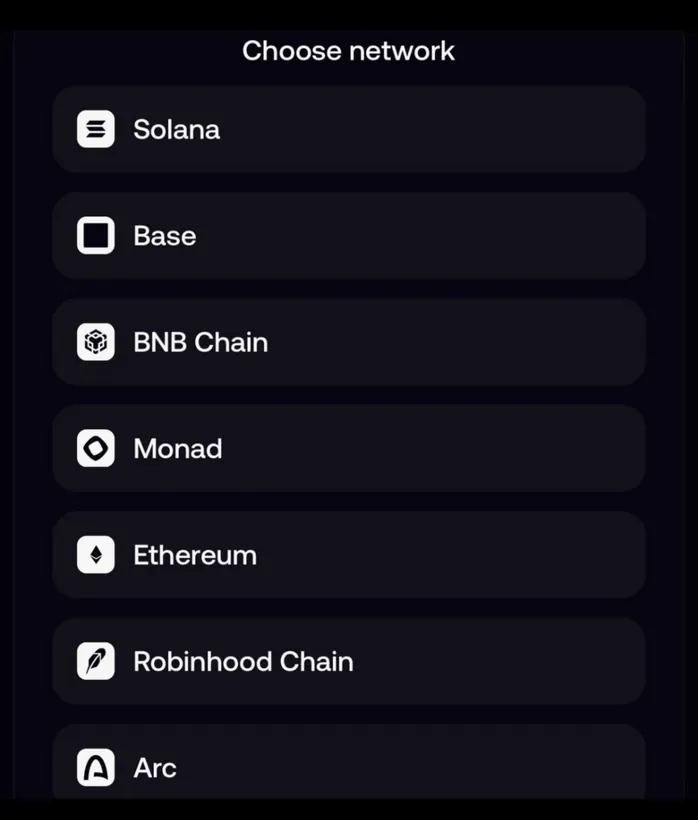
- In Fomo, open the Portfolio tab, tap the gear icon, then Profile and Account, and expand the addresses row. You'll see your Solana address and one EVM address that works on Base, Ethereum, BNB Chain, Monad, Robinhood Chain and Arc.
- Or tap Deposit, then Crypto, and pick the network your funds are on. The app copies the right address and shows that network's minimum.
- From your old wallet, send to that address on the same network.
What arrives depends on what you send:
- USDC on a supported network, or USDG on Robinhood Chain, becomes cash you can spend on any chain.
- Other tokens, such as SOL, ETH or a memecoin, arrive as tokens and show as positions, not cash. Fomo marks them Received from external wallet and estimates the entry price from the token's price when it arrived, so their profit and loss figures are an estimate.
- Anything on a network Fomo doesn't support never shows in the app. The funds aren't lost, but you'll need the matching key in another wallet to move them.
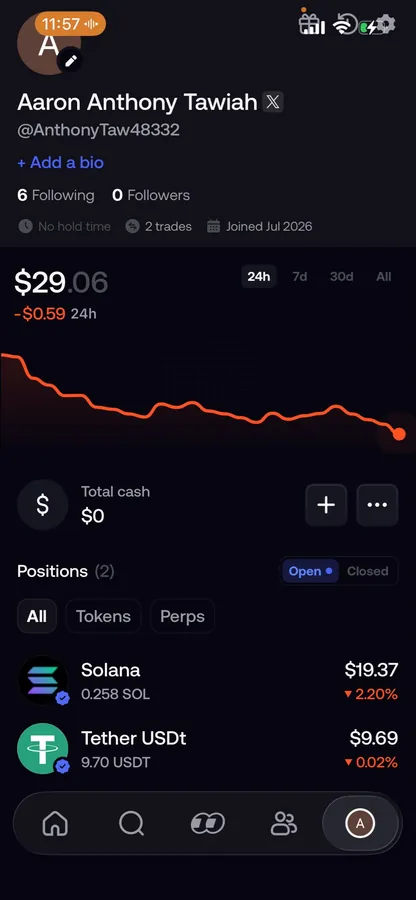
If you hold SOL, ETH, BNB or MON but no USDC, the deposit screen shows a Sell tile that turns that coin into cash. Send a small test amount first, especially on a network you haven't used with Fomo before. The guide to depositing USDC from another wallet covers each network.
Option 2: Open your Fomo wallets in another app
The reverse direction is allowed. You can export your Fomo private keys and import them into any non-custodial wallet you trust. That doesn't create a new wallet; it opens the same Fomo wallet in a second app, with the same balance.
- In the app: Portfolio tab, gear icon, Profile and Account, Export keys. Tick the two boxes and slide to export. On the web: account menu, Manage account, Export keys.
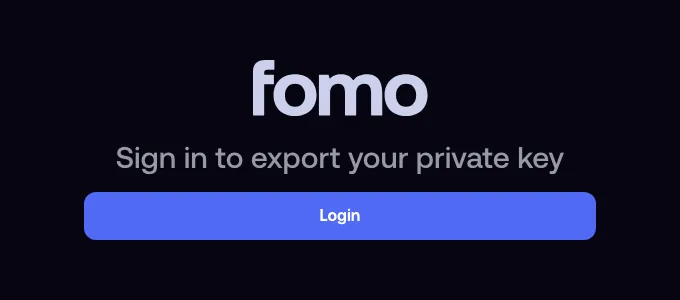
- The export page at fomo.family/export-key opens and asks you to sign in with the same Apple ID or Google account. A different login shows a different wallet.
- Confirm the risks and answer a few short questions in your own words, such as "I'm importing it into my own wallet". The questions are there to catch people being talked into handing over a key.
- Choose the Solana key for a Solana wallet, or the EVM key for an EVM wallet, and import it into that app.
People do this to burn worthless Solana tokens, clean up a wallet, move a balance that's below Fomo's minimum, or manage tokens Fomo doesn't support.
The risk of exporting a key
A private key can't be changed the way a password can. Once it's been copied somewhere, treat that copy as permanent. Never type it into a website, never send it to anyone, including support, and never store it in notes, screenshots or cloud documents. If you exported a key before and aren't sure where it ended up, move your funds to a wallet whose key has never left your hands. Fomo's own security pages say no one from Fomo will ever ask for it.
Common questions
Can I connect Phantom or MetaMask to Fomo to trade?
Fomo's help center describes no way to connect an outside wallet. You trade from the wallets Fomo created for you.
Can I use my old seed phrase to log in?
No. Fomo has no seed phrase at all, and anyone asking you for one is not Fomo.
Can I have two Fomo wallets?
A second Apple ID or Google account makes a second Fomo account with its own wallets. They stay separate accounts with separate balances.
Related: which chains Fomo supports and whether you should export your private key.
 Written by Mohammad ShahpariCrypto and SEO specialist
Did this answer your question?
Thanks for the feedback.


