
How to Contact Fomo Support and Get a Faster Answer
Reach Fomo support in the app under Settings, Help and Support, or by email. What to include, what support can't do and how to spot fake support on X.

You reach Fomo support from inside the app: open the Portfolio tab, tap the gear icon, then Help and Support, then Contact support. On the web, hover your profile picture at the top of the page and choose Contact support. You can also email [email protected]. Those are the only real support channels. Fomo never starts a conversation with you.
How fast you get a useful answer depends mostly on what you send in the first message. This guide covers where to go, what to include for each kind of problem, what support can and can't do, and how to spot the fake "support agents" who show up in replies on X.
Where to contact Fomo support
In the phone app
- Tap the Portfolio tab, the last one in the bottom bar. Its icon is your profile picture.
- Tap the gear icon at the top right to open Settings.
- Tap Help and Support, then Contact support.
Writing from inside the app is the better choice when you can, because the message comes from your signed-in account and support doesn't have to work out who you are.
On the web
Hover your profile picture at the top of fomo.family and pick Contact support from the menu. If Fomo has shown you its Security warning page, that page has its own Contact support button.
By email
Write to [email protected] when you can't sign in at all. Use the email address of the Apple ID or Google account you signed up with, so support can match it to your account.
Fomo's help center and Discord
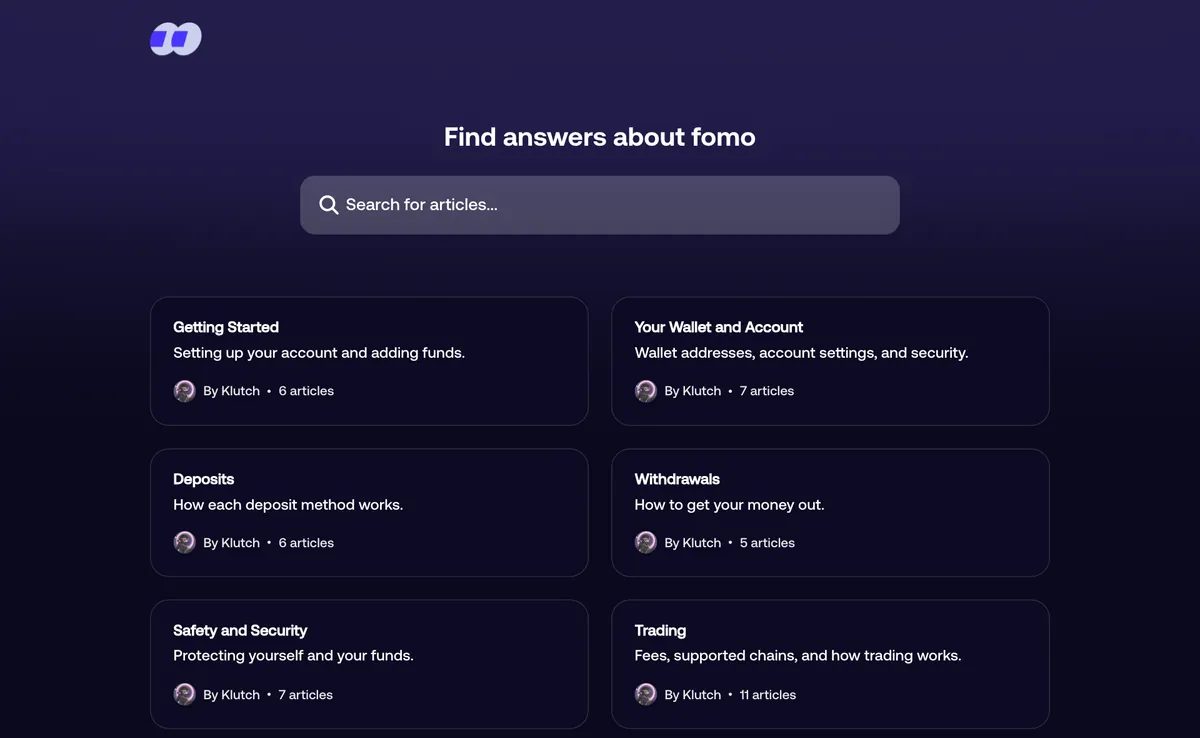
Fomo's help center at help.fomo.family has about 90 articles, and most first-week questions about deposits, fees and sign-in already have one. Search it before you write in. The official Discord server is linked from Settings in the app, under Discord. It's a good place to ask other traders how something works. It is not the place to share wallet details.
What to put in your first message
Every message should include your Fomo username and the email of the login you use. After that, add what fits your problem:
| Problem | Include |
|---|---|
| A crypto deposit that never showed up | The transaction hash, the network you sent on, the asset (USDC or USDG) and the amount |
| A withdrawal that didn't arrive | The transaction hash from the block explorer, the network and the receiving address |
| A card or Apple Pay deposit that failed | The time, the amount, the exact error text and whether your bank shows a charge |
| A trade that filled at a strange price | The token, its contract address, the time and a screenshot of the trade details |
| A transaction you didn't make | The time you noticed it, whether you ever exported your private key, and any site or app where you entered it |
| Can't sign in | Your username, the email you first signed in with and whether that Apple ID or Google account still exists |
The transaction hash is the long ID of a blockchain transfer. Fomo's History screen doesn't show it, so paste your wallet address into the explorer for that chain, such as Solscan for Solana, and copy the hash from the transfer there; finding a Fomo transaction hash has the steps for every chain. Screenshots help, but crop out anything that shows your private key, and never send the key itself.
What support can and can't do
Fomo's wallets are non-custodial. The private keys belong to you, and no one at Fomo can move, freeze or reach your tokens. That shapes what support can do for you.
Support can look into a deposit that hasn't credited, check why a card or bank payment failed, explain what happened on a trade, walk you through moving funds that landed on an unsupported network, and help you secure a wallet you think is exposed. It can also take a lost-login case to Fomo's login provider when your original Apple ID or Google account no longer exists. The provider decides, so support can't promise the result or how long it takes.
Support can't reverse a confirmed transaction. Blockchains have no chargeback, so a send to a wrong address, a trade you regret or a token that fell after you bought it all stay as they are. Support also can't switch your account to a different Apple ID or Google login. And under Fomo's referral rules as of November 2026, a referrer that is already recorded can't be removed or changed, and a referral code has to be added before your first trade.
How to tell real Fomo support from a scammer
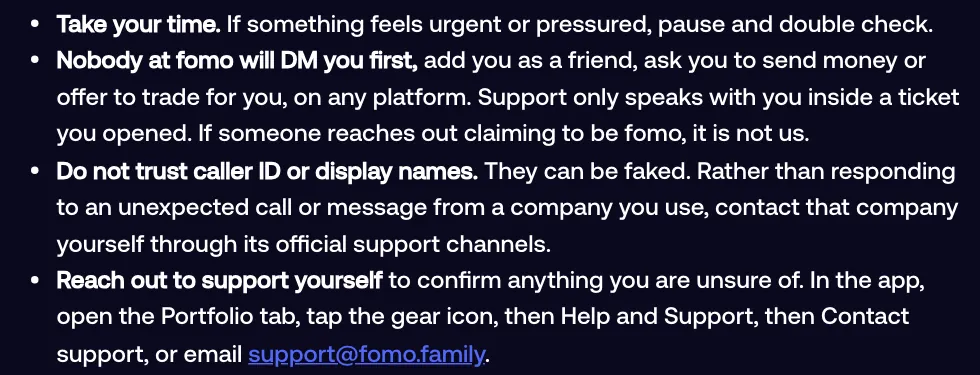
Scammers watch X for posts like "my deposit is missing" and reply as "Fomo Support" or "Fomo Help Desk". Fomo's own security checklist is blunt about this: nobody at Fomo will DM you first, add you as a friend, ask you to send money or offer to trade for you, on any platform. Support only talks to you inside a ticket you opened.
Walk away from anyone who:
- Messages you first, on X, Telegram, Discord or by phone
- Asks for your private key, a "seed phrase" (Fomo doesn't use one) or a login code
- Sends you a link to "sync", "validate" or "restore" your wallet
- Wants you to share your screen or install a remote access app
- Asks you to drag a button to your bookmarks bar
- Rushes you with a deadline
Display names and caller ID can be faked. If you aren't sure, close the chat and open a ticket yourself from the app.
Fix these yourself before you write in
My account is empty
You almost certainly signed in with a different Apple ID or Google account than the first time. Each login opens its own account. Sign out and sign in with the original one.
The app won't load
Close it fully and reopen it. If that fails, delete it and install it again from the App Store or Google Play. Your wallets and funds are tied to your login, so reinstalling doesn't touch them.
My USDC deposit is small and hasn't arrived
Check the network minimum. On Base, BNB Chain, Monad and Robinhood Chain it is 0.50, and smaller amounts wait at your address until a top-up pushes them over. The guide to how much money you need to start on Fomo lists every minimum.
MFA says too many attempts
Stop for a few hours, then try once with a fresh code from your authenticator app, without reopening the setup screen. Reinstalling the app doesn't clear the block.
My card keeps getting declined
Prepaid, virtual and Cash App cards are refused. Repeated tries also trigger a lockout of at least an hour, and every new try during it extends the wait. Use another bank-issued debit card, or send USDC instead.
If you think your wallet was compromised
Contact support from the app straight away and don't add money to that wallet until they have looked at it with you. Tell them whether you ever exported your private key and where you might have typed it. If you know the key has leaked, move what's left to a wallet whose key has never left your hands, because a private key can't be changed the way a password can.
For more on the basics, read what the Fomo app is and how it works, or see the common Fomo scams and how to spot them.
 Written by Mohammad ShahpariCrypto and SEO specialist
Did this answer your question?
Thanks for the feedback.


