
How to Deposit USDC to Fomo From Another Wallet or Exchange
Send USDC to Fomo on Solana, Base, BNB Chain, Monad, Ethereum, Arc or Elysium, or USDG on Robinhood Chain. Minimums, timing and how to fix a wrong-network send.

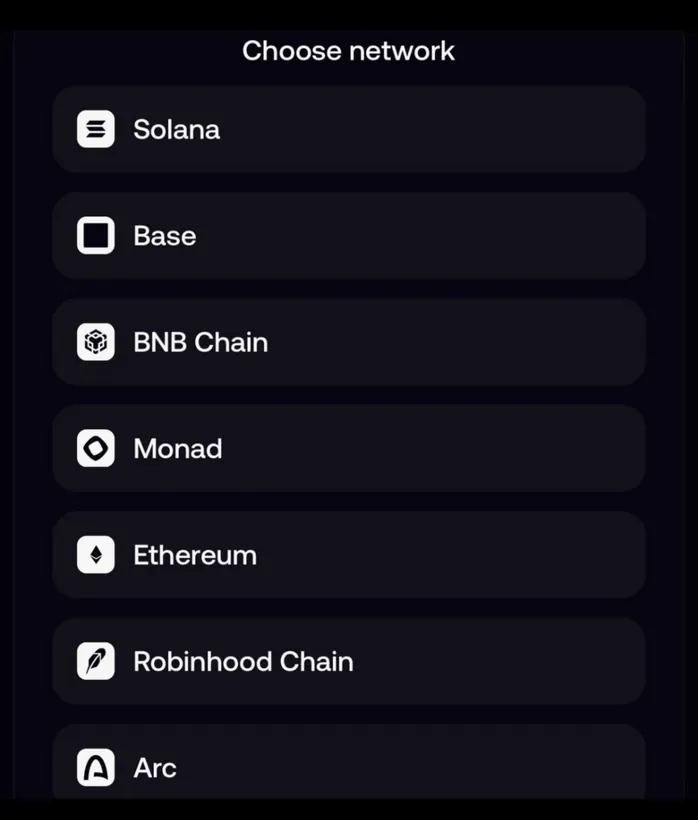
To deposit USDC to Fomo from another wallet or an exchange, open Deposit, tap Crypto, pick the network your USDC is on and send it to the address Fomo shows. Fomo takes USDC on Solana, Base, BNB Chain, Monad, Ethereum, Arc and Elysium, and USDG on Robinhood Chain. Send the right coin on the same network you picked, and it becomes cash you can spend on any of the eight chains.
It's the cheapest way in: Fomo charges nothing for it, and on Solana the network fee is a fraction of a cent. It's also where most "my deposit is missing" messages start, so the details below matter.
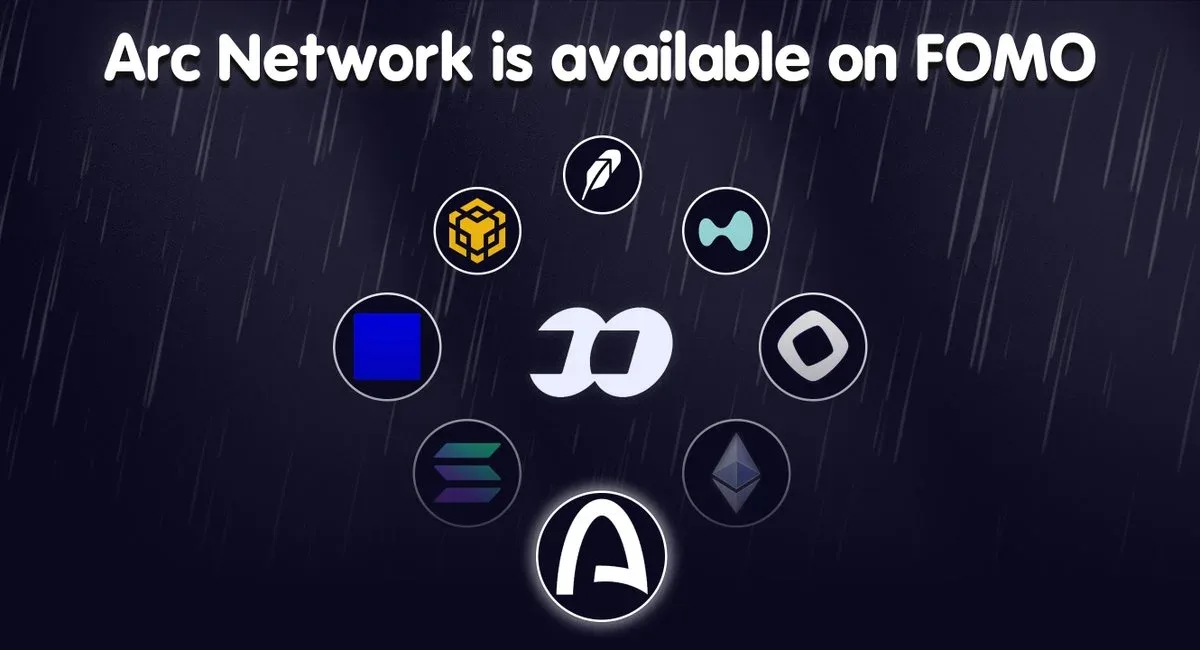
How to send USDC to Fomo, step by step
- In the Fomo app, tap Deposit on the Home screen, then Crypto.
- Pick the network your USDC is on. If it sits on Base at your exchange, pick Base. If it's on Solana, pick Solana.
- Copy the address Fomo shows. The screen also shows that network's minimum.
- In your wallet or exchange, withdraw USDC to that address and choose the same network there.
- Send a small test amount the first time, wait for it to land, then send the rest.
On the web app at fomo.family, crypto is the only deposit method, and the steps are the same.
Minimums and timing by network
| Network | Send | Minimum | When it shows as cash |
|---|---|---|---|
| Solana | USDC | None | Once it confirms, usually seconds to minutes |
| Base, BNB Chain, Monad | USDC | 0.50 | Lands in your wallet, then moves to cash while you're signed in |
| Robinhood Chain | USDG | 0.50 USDG | Converted to Solana USDC cash on arrival |
| Ethereum | USDC | The highest, and it changes | Can wait while Ethereum gas is high |
| Arc | USDC | Shown on screen | Lands in your wallet, then moves to cash |
| Elysium | USDC | Shown on screen, if any | Lands in your wallet, then moves to cash |
All the EVM networks share one deposit address, and Solana has its own. That has a useful side effect: USDC sent on a different supported EVM network than the one you selected still reaches your wallet and credits once it clears that network's minimum.
The mistakes that make a deposit disappear
- The wrong coin. Only USDC, or USDG on Robinhood Chain, becomes cash. USDT, SOL, ETH or anything else arrives as a token in your wallet, not as cash. If you hold SOL, ETH, BNB or MON and no USDC, a Sell tile on the deposit screen turns it into cash.
- USDC to Robinhood Chain. Robinhood Chain takes USDG. Don't send USDC there, and don't send USDG on any other network.
- Under the minimum. 0.40 USDC on Base won't credit. It waits at your address until another deposit on the same network pushes the total over 0.50.
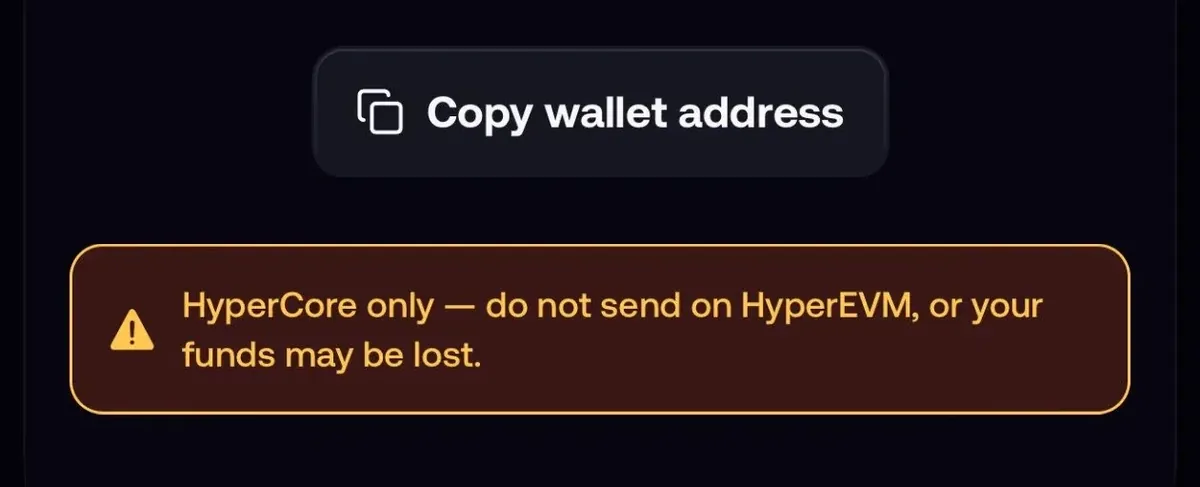
- An unsupported network. Arbitrum, Polygon, Optimism, Avalanche or HyperEVM aren't credited, and support can't credit them by hand.
- Bitcoin. Bitcoin isn't a supported network, so Bitcoin sent from Cash App or anywhere else never reaches Fomo.
- The Hyperliquid row. It funds your perps account, not your spot cash.
Sent on an unsupported network? You can still get it back
If you sent USDC to your own Fomo EVM address on an EVM network Fomo doesn't read, such as Arbitrum or Polygon, the funds are still yours. Your EVM address is the same on every EVM chain, and your key controls it everywhere.
- Export your EVM private key: Portfolio tab, gear icon, Profile and Account, Export keys. Copy the EVM key, not the Solana one.
- Import it into a non-custodial wallet you trust that supports the network the funds are on. It opens the same address.
- Put a little of that network's gas token on the address, because moving the funds costs gas there.
- Bridge or swap the balance into USDC on a network Fomo supports, such as Base. It lands back in Fomo the next time the app is open, as long as it clears the minimum.
Treat the exported key with care: never paste it into a website or send it to anyone, support included. If the network isn't EVM-compatible at all, this route doesn't work; contact support with the transaction hash.
My USDC deposit still isn't showing
- Check the transaction on the network's block explorer and confirm it reached the right address.
- For EVM networks, keep Fomo open and signed in; the move from wallet to cash happens while you're in the app.
- On Ethereum, a deposit can wait while gas is high. Reopening the app or sending again doesn't speed it up.
- If everything checks out, contact support with the transaction hash and the network you used.
Your addresses for each chain are listed in where to find your Fomo wallet addresses, and every other way to fund the account is in how to deposit money on Fomo.
 Written by Mohammad ShahpariCrypto and SEO specialist
Did this answer your question?
Thanks for the feedback.


