What Happens to Tiny Leftover Balances (Dust) on Fomo?
Fomo's minimum sell is 2 USDC (5 USDC on Ethereum), so tiny leftovers are hidden as dust. How to show them, hide tokens and move dust out with your key.

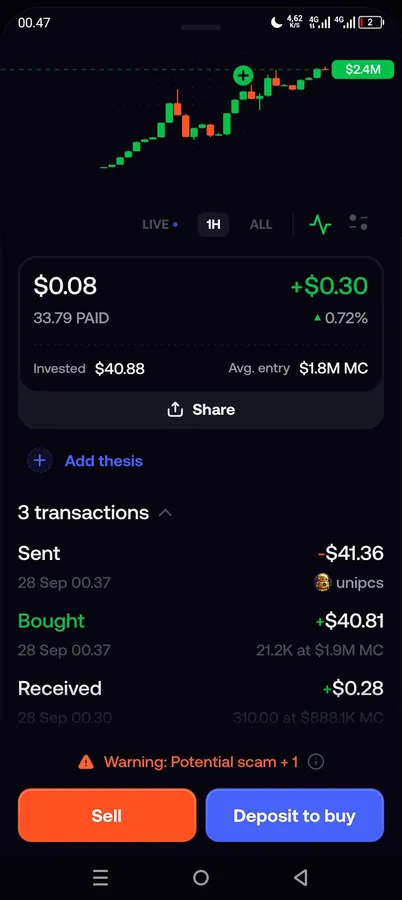
Dust is a token balance too small to sell on Fomo. The minimum sell is 2 USDC on most networks and 5 USDC on Ethereum, because below that the blockchain fees would cost more than the position is worth. Fomo hides holdings worth under $2, and anything it can't price, by default. To see them, tap Show hidden at the bottom of your holdings list in the app, or tick Show dust on the web.
The tokens never leave your wallet. Hiding only changes what your screen shows. If you want the dust out anyway, the route is exporting your private key into another wallet, covered near the end.
Why you can't sell dust in the app
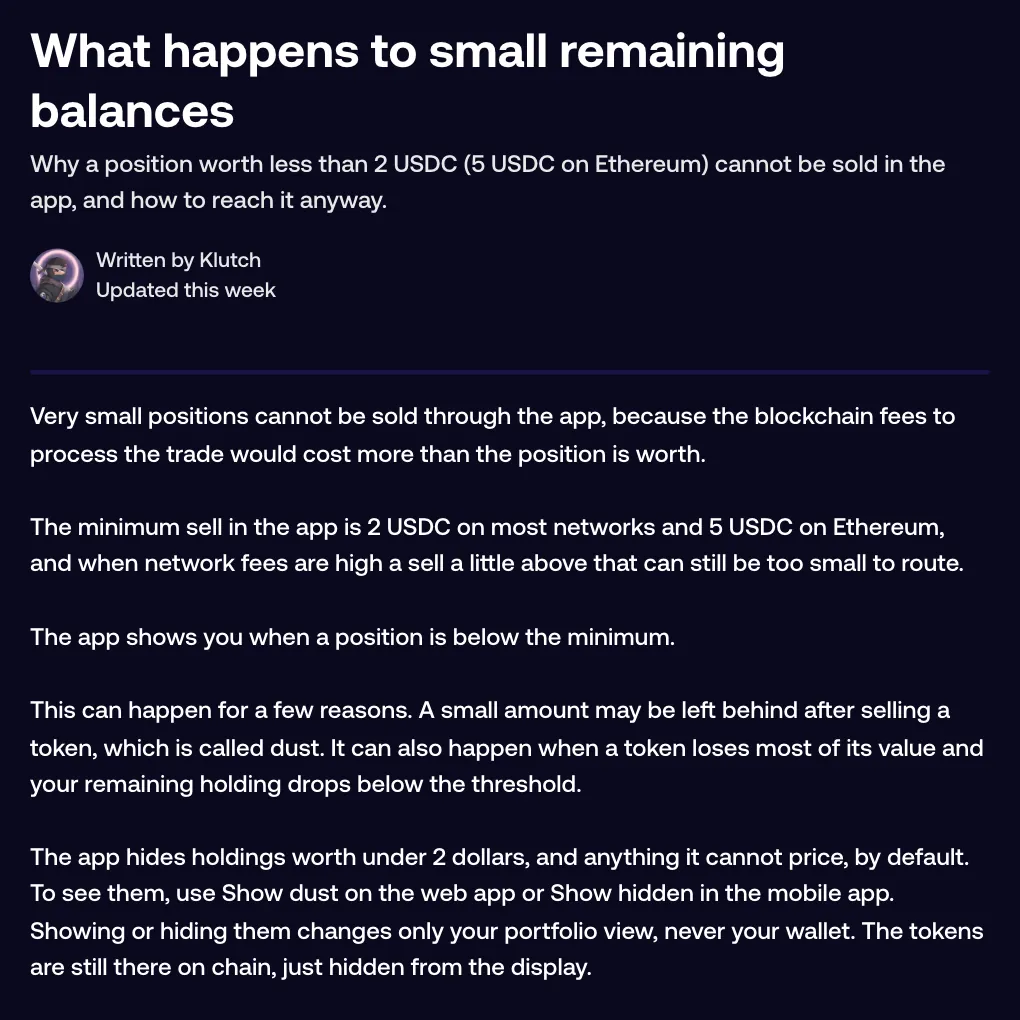
Every sell is a transaction on chain, and every transaction has a cost. Under the minimum, the trade would mostly pay for its own fees. When network fees are high, a sell a little above 2 USDC can still be too small to route. The app shows you when a position is below the minimum.
Dust usually appears in one of two ways:
- A small amount is left behind after you sell a token.
- A token loses most of its value and what you hold drops under the threshold.
If a sell stops with "This sell could return less than the minimum USDC after fees", the problem is the size of that sell combined with your slippage setting. A larger amount or tighter slippage gets it through. The guide to why you can't buy or sell a token covers the other blockers.
Show dust and Show hidden
| Control | Where it is | What it shows |
|---|---|---|
| Show hidden (app) | Bottom of your holdings list | Dust and any token you hid |
| Show dust (web) | Your positions header | Holdings under $2 and tokens Fomo can't price |
| Show hidden (web) | Your positions header, next to Show dust | Tokens you hid. It switches off again when you reload the page |
How to hide a token yourself
You can also hide a token that isn't dust, such as a coin you're tired of looking at. This works on open positions only.
- On the Home screen or the Portfolio tab, press and hold the token row. On the web, right-click it.
- Choose Hide token. In the app, the row dims and moves under Show hidden at the bottom of the list.
To bring it back, tap Show hidden (tick it in the Your positions header on the web), press and hold the dimmed row (right-click on the web) and choose Unhide token. Hiding your balance figures is a separate setting, covered in how to hide your balance and tokens.
A token you never bought can turn up too. Some are airdrop scam tokens showing a dollar value that can't actually be sold, and hiding one is fine. More in what to do about a random token in your wallet.
Why hiding never changes your wallet
Fomo is non-custodial. Your tokens sit in your own wallet on chain and the app is a view of it. Hide token, Unhide token, Show dust and Show hidden all change only that view, on the device where you set them. A hidden token keeps its value in your wallet and in your balance. Nothing is sold or moved, and another device may still show it.
Moving dust out with your private key
One shortcut first: a verified Solana token worth at least $1 can be sent to another Fomo user by username, because sends start at 1 dollar. For anything else, the help center doesn't describe a way to turn dust into cash inside the app. The in-app minimum doesn't apply outside Fomo, though, so you can reach the tokens from another wallet:
- In the app, open the Portfolio tab, tap the gear icon, then Profile and Account, then Export keys. On the web, open your account menu, then Manage account, then Export keys. Both lead to the export page at fomo.family/export-key.
- Confirm that you understand the risks and answer the short questions. With MFA on, the export also asks for your code.
- Pick the key for the token's chain: the Solana key for Solana, the EVM key for Base, BNB Chain, Monad, Ethereum, Robinhood Chain, Arc and Elysium.
- Import it into a non-custodial wallet you trust. It opens the same wallet with the same tokens; you aren't creating a new one.
- Make sure that wallet holds a little of the chain's gas token, such as SOL on Solana. Then sell, send or burn the dust there.
Do the maths before you bother. Inside Fomo, network fees on Solana are covered for you. In an outside wallet you pay every network fee yourself, so on a busy chain the fee can eat most of a small balance.
Your private key is full access to your wallet. Never share it with anyone, Fomo support included, and never paste it into a website. Exporting is optional and most people never need to. Read the risks of exporting your Fomo private key first.
Common questions
Can Fomo support clean up my dust?
No. The wallet is non-custodial and no one at Fomo can move your tokens. Hiding is the in-app option, and your exported key is the way to act on them.
I hid a token by mistake. Is it gone?
No. Tap Show hidden, press and hold the dimmed row and choose Unhide token.
Can I hide a closed position?
No. Hiding works on open positions only.
Related: how to sell a token on Fomo.
 Written by Mohammad ShahpariCrypto and SEO specialist
Did this answer your question?
Thanks for the feedback.