
How to Buy Your First Token on Fomo
Find a token, tap Buy, set an amount, read the fee, price impact and slippage rows, then slide to confirm. One USDC cash balance covers all 8 chains.

You have cash in Fomo. Now you want to buy a coin. Find the token, open its page, tap Buy, pick an amount, read the fee and slippage rows, then confirm. This guide covers that first trade on the phone app and notes where the web differs.
Still need an account or a deposit? Start with how to create a Fomo account and how to deposit money on Fomo. For why spendable dollars sit as Solana USDC even when you buy on another chain, read the Fomo cash balance guide.
What you need before the first buy
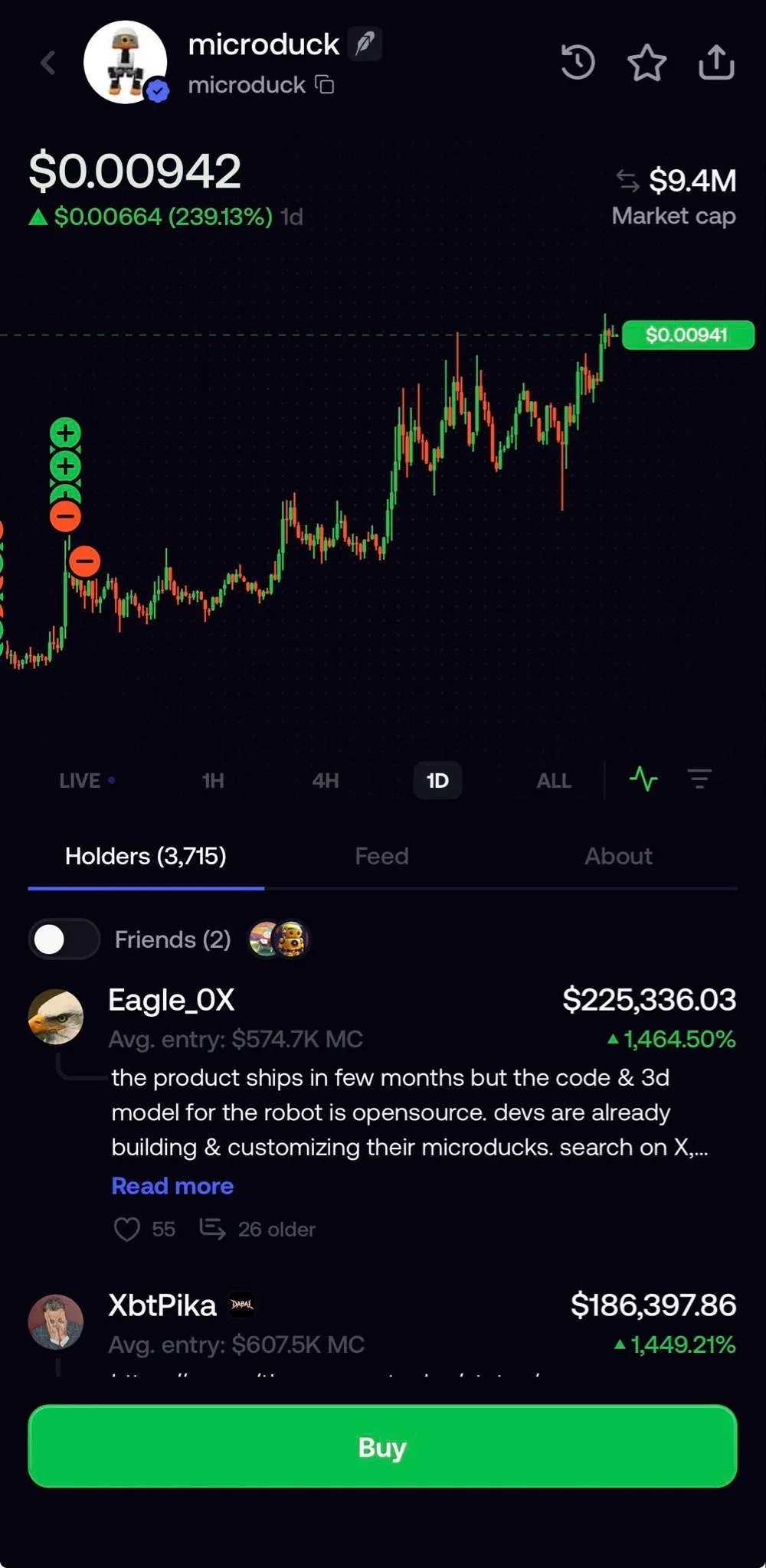
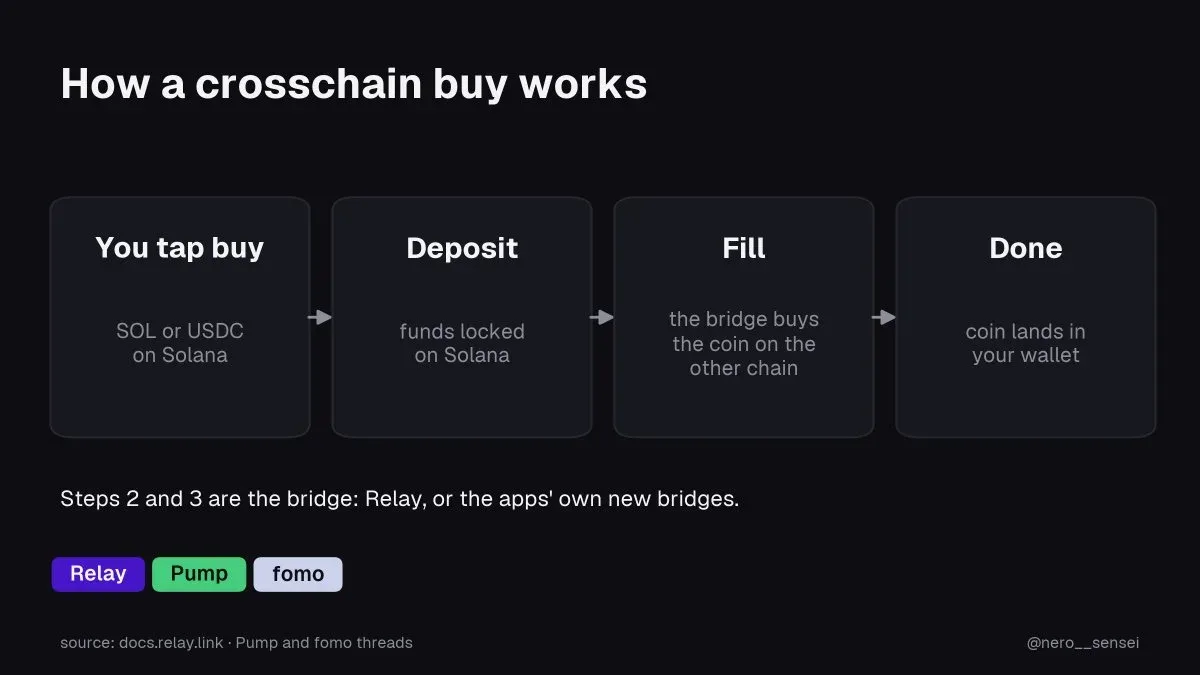
Your cash balance must cover the amount you enter. The fees come out of that amount rather than being added on top. Cash is Solana USDC. That one pile pays for tokens on Solana, Base, BNB Chain, Monad, Ethereum, Robinhood Chain, Arc and Elysium. You do not bridge by hand and you do not buy gas coins first. Fomo moves value at trade time. The eight chains are covered in which blockchains Fomo supports.
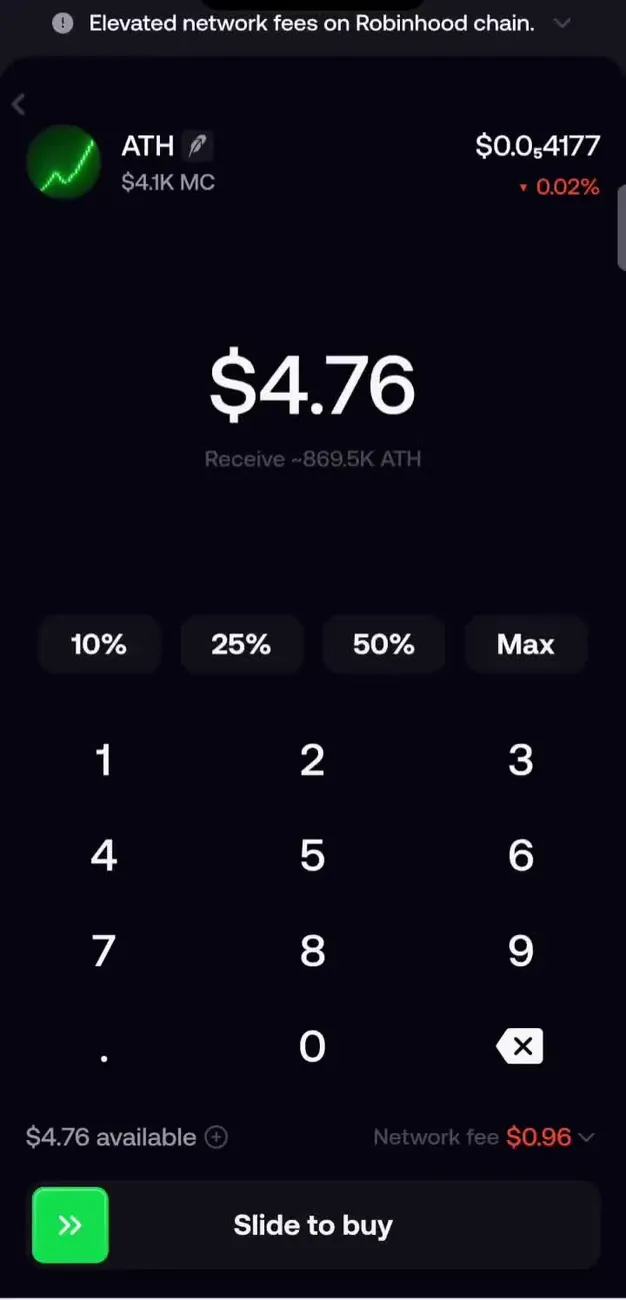
A lot of new users tap Buy with empty cash, or with funds that still sit in the wallet and have not become cash. On EVM networks, a deposit can land in the wallet first and move into cash while you stay signed in. If cash looks low after a deposit, wait with the app open, then try again.
Find the token
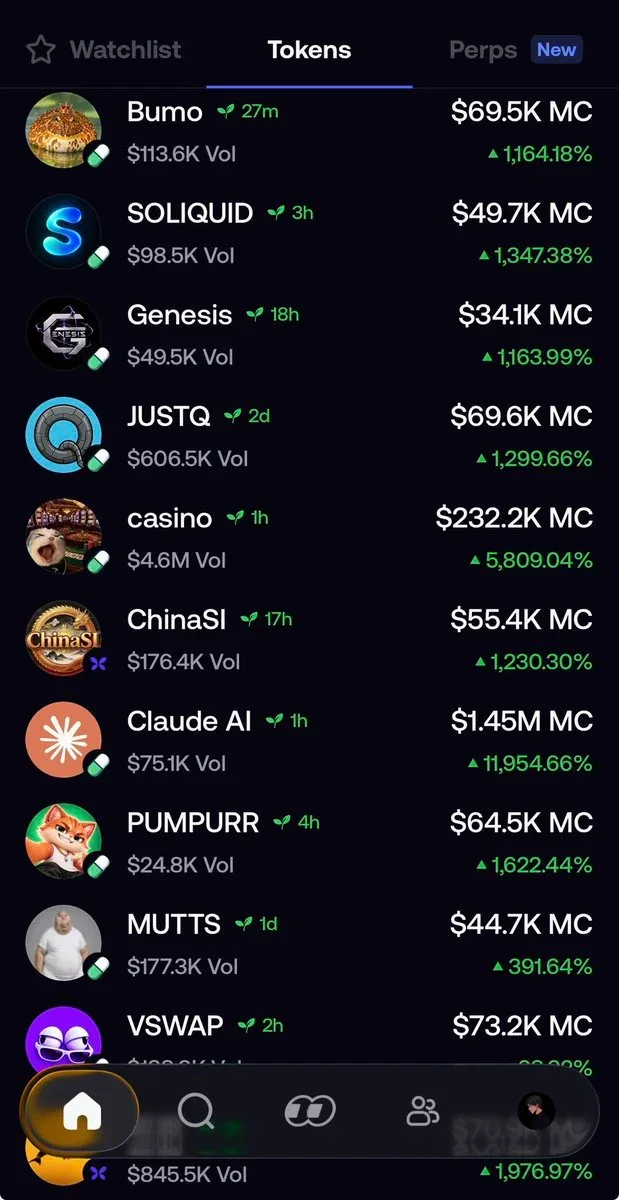
On the phone, tap Search and type the token name, or paste the contract address. Pasting the address is safer when many coins share a similar name. On the home Tokens list you can open a coin from Trending or similar filters. Star a token on its page to keep it on your Watchlist.
On the web at fomo.family you can open a token the same way, or use Discover at fomo.family/discover for a live table with Quick buy. For a map of tabs and search, see the Fomo app tour.
Some people buy the first name match without checking the contract. That is a common way to land on a fake copy. Match the address to a source you trust before you spend cash.
Read the token page
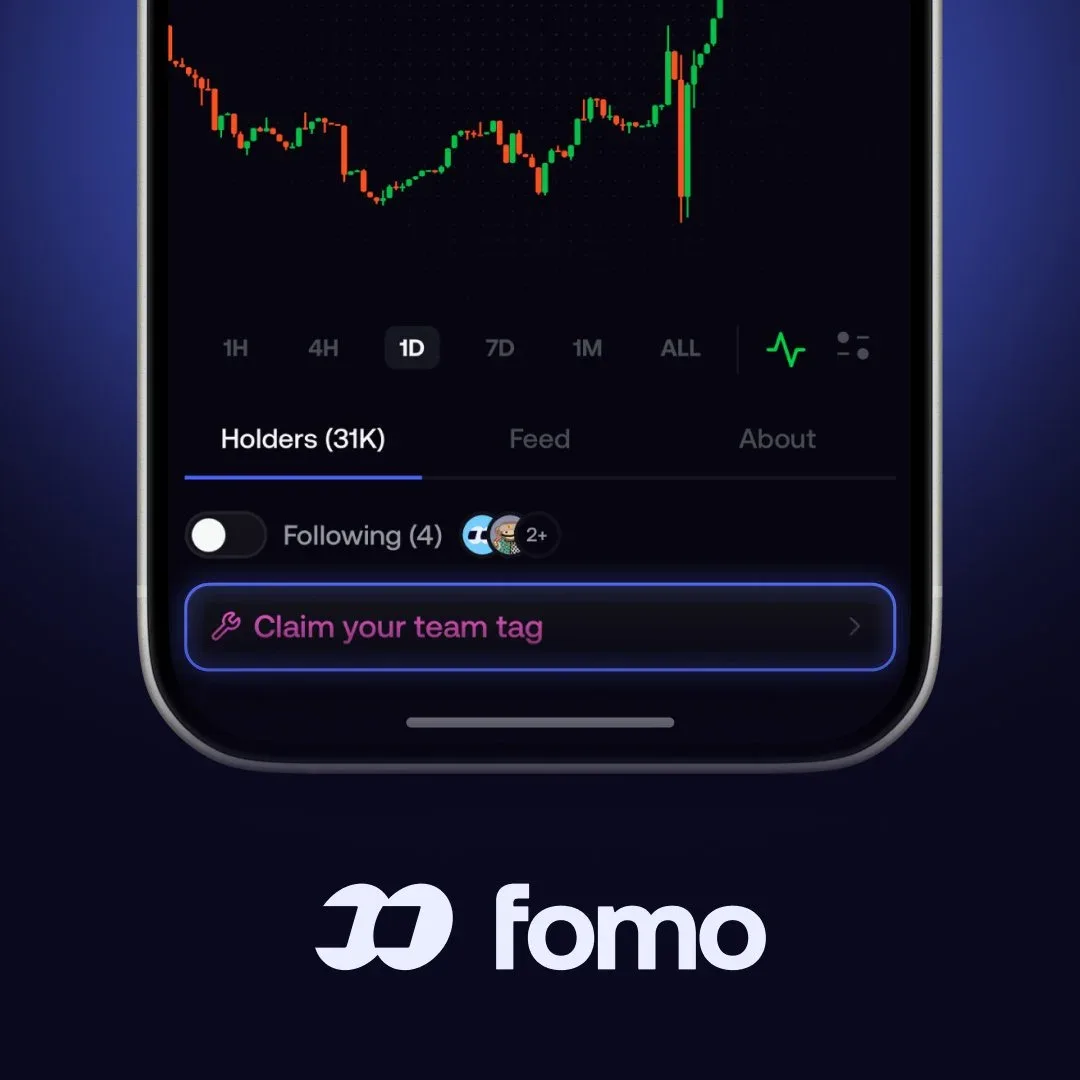
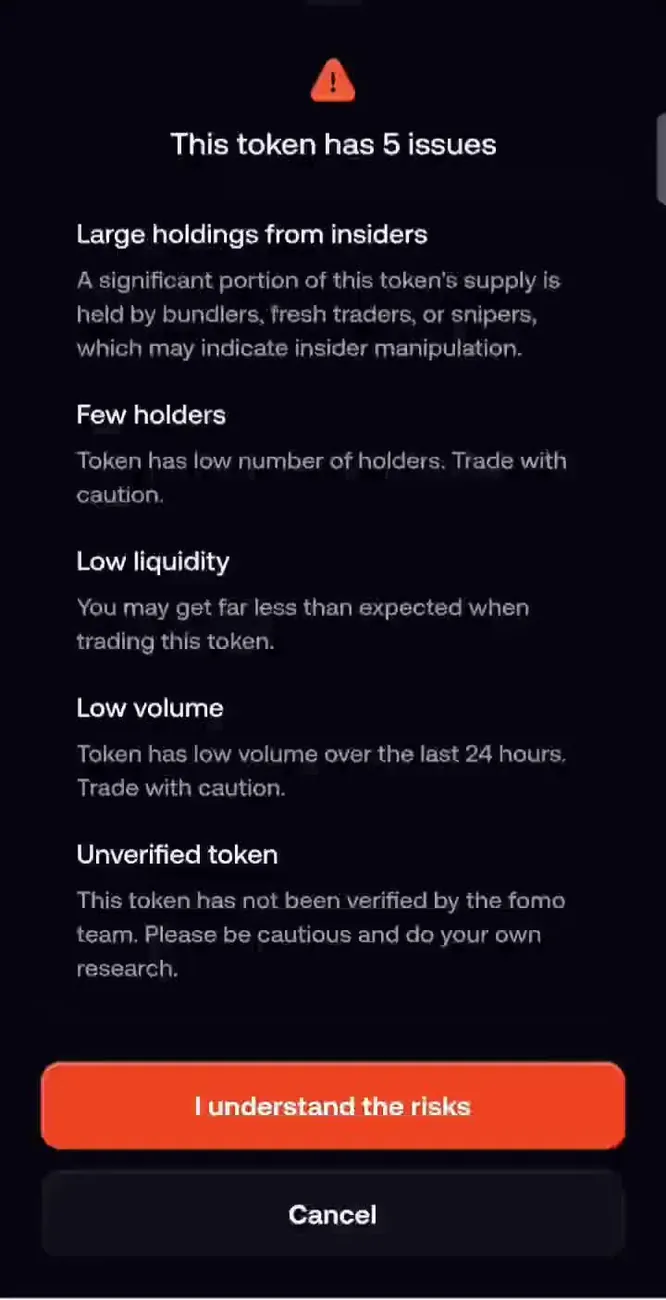
The token page shows the chart, market cap, volume, holders, feed and About. Look for warning labels. A severe warning on a coin you have never traded asks you to confirm that you understand the risks before a buy goes through. Stock tokens on Robinhood Chain can say Not available in your region when your connection is in a blocked location.
When you open Buy, expand the trade details for fee, network fee, price impact, slippage and any token tax. A Token tax line is set by the token's creator, not by Fomo. Thin liquidity and a few giant holders make the price jump hard on a small order. Start with a size you can afford to lose while you learn how fills work.
Tap Buy and set the amount
Tap the green Buy button. Enter a dollar amount from your cash, or use a preset chip when the screen offers one. The quote is an estimate of what the pool will give you at that moment. Expand the details and read every row before you slide to confirm.
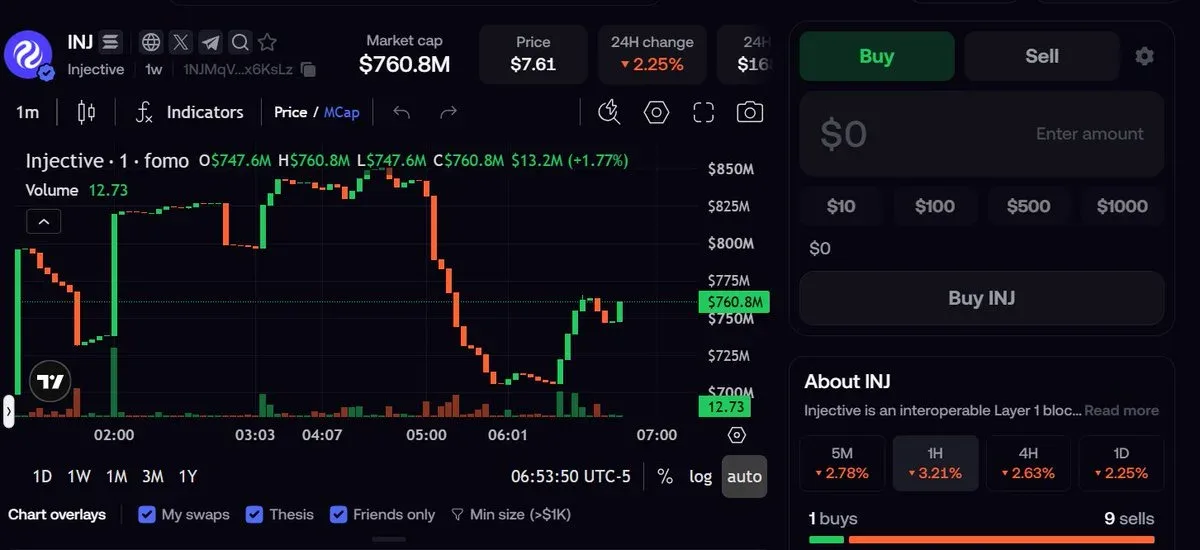
On Base, BNB Chain, Monad, Robinhood Chain, Ethereum, Arc and Elysium, Fomo's trading fee is 0.50% per trade, plus the network fee. A referral discount cuts that 0.50% rate to 0.45%. Some major tokens show a lowered 0.05% fee on the token page. On Solana the fee depends on the route available for that trade, and Fomo covers network gas, priority fees and token rent.
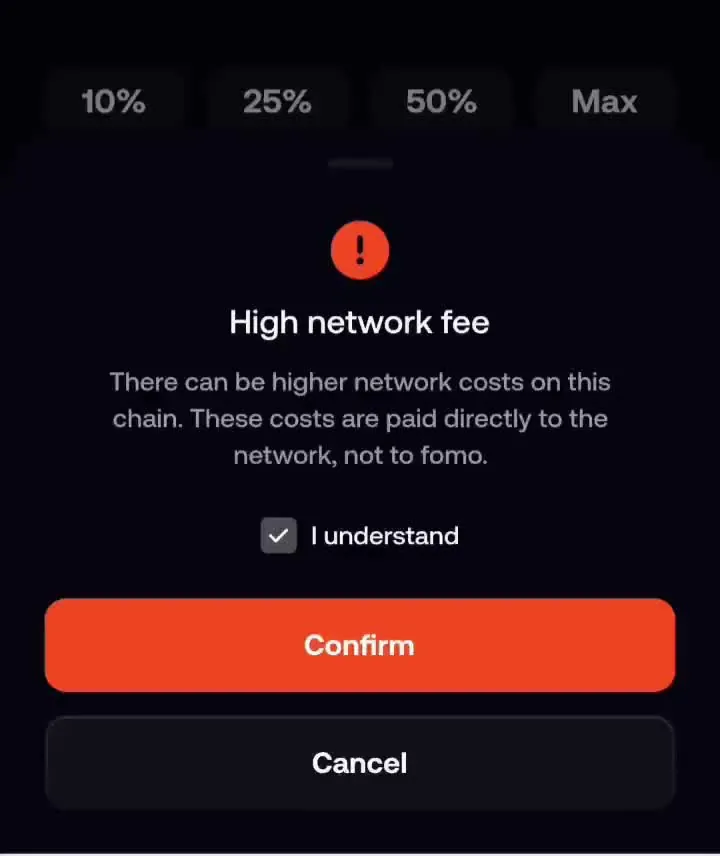
Network fees are paid to the chain, not to Fomo. Ethereum is the expensive outlier. When the network fee is a large share of a small buy, the app asks you to tick I understand. A 10 dollar buy on Ethereum can lose a big share of its value to gas.
Slippage and price impact
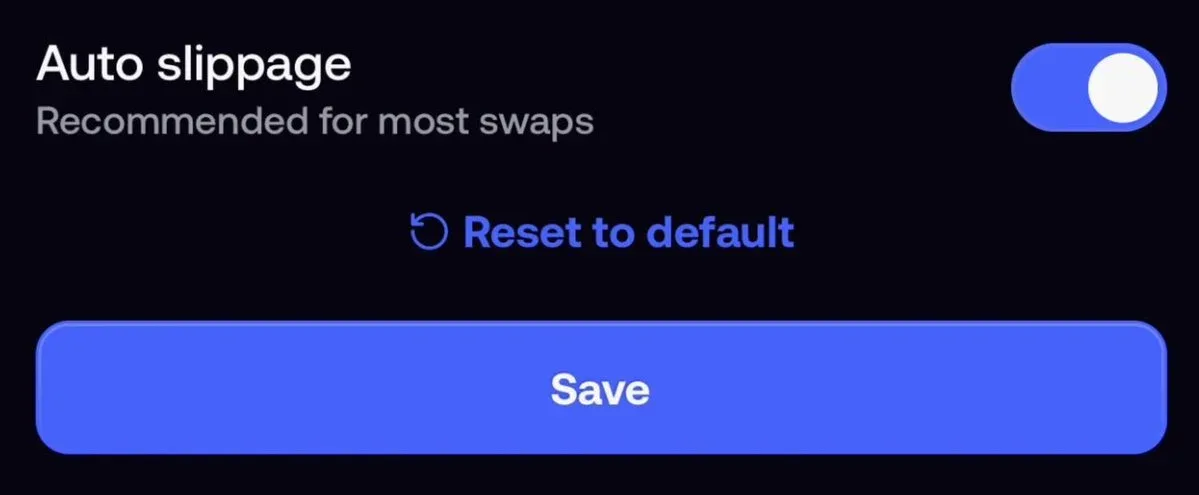
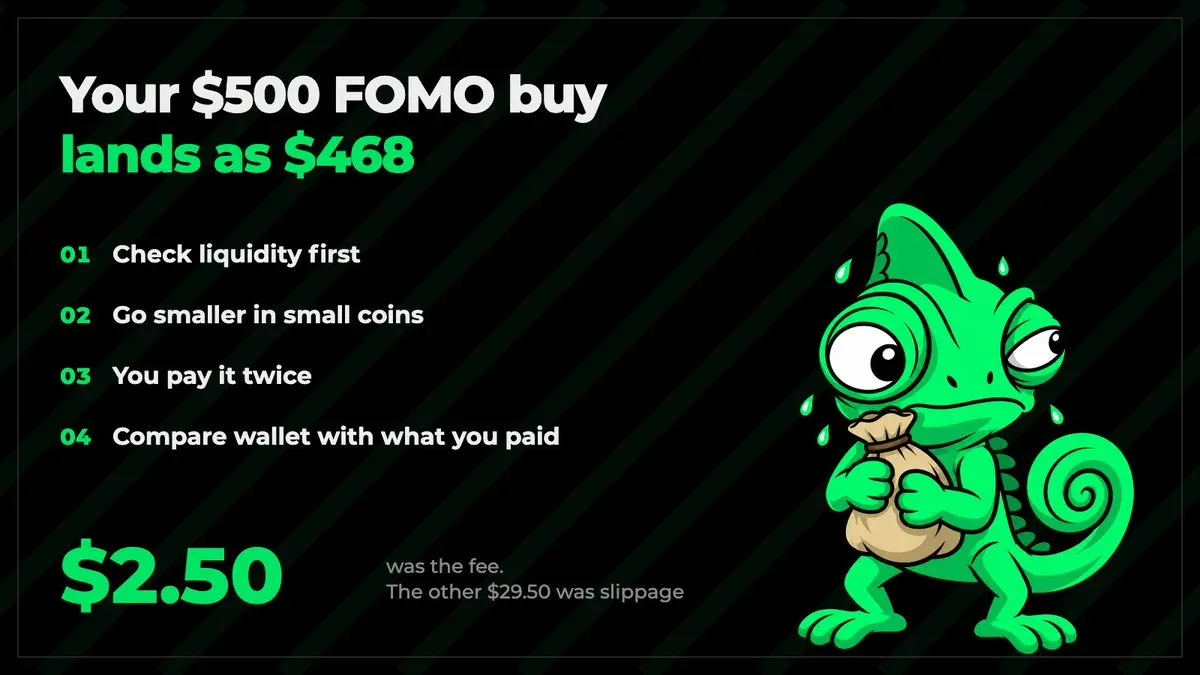
Slippage is the gap between the quoted price and the fill. The setting defaults to Auto, which lets the app pick a tolerance for each trade. You can set a custom ceiling in the Slippage row on the buy screen. If the price moves past your ceiling between quote and fill, the trade fails instead of filling at a worse price. Auto is marked as recommended for most swaps.
Price impact estimates how far your quote sits below the market price for an order of that size in this pool. When the figure is high, the app asks you to confirm first. When it is too high, the trade is refused. On a thin pool, your own order can move the price while it fills. A lot of people see a fill that differs from the quote on small coins. That is how pools work, not a second hidden Fomo fee.
Confirm the trade
On the regular buy screen, slide to confirm. The app shows a processing state while the trade lands on chain. When it finishes, the new position appears on your profile and under your holdings. Check Transaction history if the screen stays on loading, so you do not buy twice. Trades cannot be reversed once they fill.
Quick Trades after you know the flow
Quick Trades sits behind the lightning bolt next to Buy and Sell on a token page in the iOS and Android apps. A buy chip spends that cash amount with no amount field and no slide step. Keep the regular Buy screen for your first trade so you can read fee, slippage and price impact. Two checks still appear: a severe warning on a new risky token, and a review when price impact or an EVM network fee is high.
On the web, one-click buying uses Quick buy on Discover or the lightning button on a row of your open positions list. Quick buy does not show the price impact review that the token page shows.
After the buy
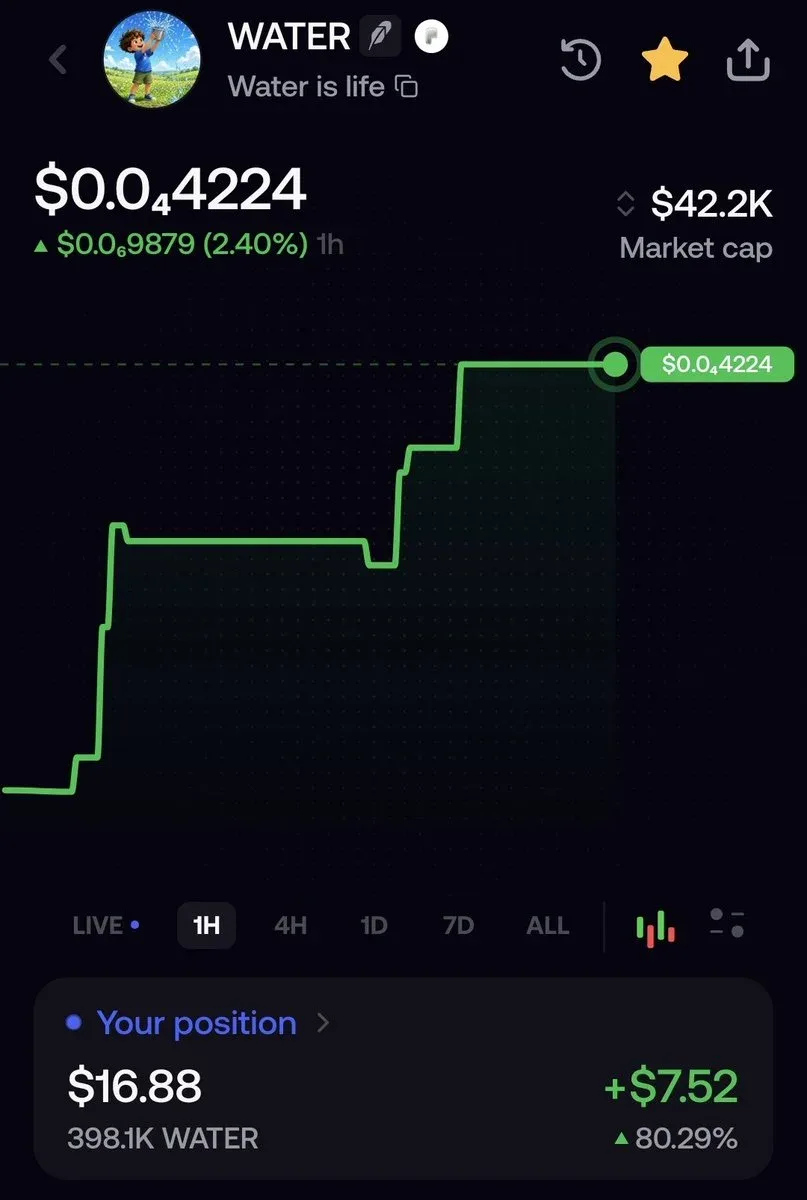
Your cash goes down and the token holding goes up. Price moves change the holding, never the cash line. Open your profile to see the position. When you want out, selling a token on Fomo sends the money back to your cash balance. Spot tokens have no stop loss, so plan your exit by hand. For the bigger picture of fund, trade and share, see what the Fomo app is.
Problems people hit on a first buy
Buy fails or stays grey when cash is below the amount, when the size is under the network minimum, or when trading is unavailable for that token. A stock token blocked in your region shows Not available in your region. A High network fee sheet needs the I understand tick before the trade continues.
A fill away from the quote often means other trades landed first, or your size moved a thin pool. Use a smaller size, leave slippage on Auto unless you have a reason to set a ceiling, and read price impact before you confirm. If a fill still looks wrong, contact support from Settings, then Help and Support, or email [email protected] with the token and the time of the trade.
Some people confuse Apple Pay Buy-a-token with a cash top-up. The Apple Pay tile that names a coin buys that coin directly. Your cash balance does not rise. Use Deposit cash with Apple Pay when you want spendable USDC first.
A short first-trade checklist
Confirm cash covers the amount you want to spend. Paste the contract when the name is common. Read warning labels and any token tax. Open Buy, set a small amount, expand details, and check Fomo's fee, network fee, price impact and slippage. Slide to confirm once. Then open your profile and confirm the position before you buy more.
 Written by Mohammad ShahpariCrypto and SEO specialist
Did this answer your question?
Thanks for the feedback.


