
How to Use Fomo on the Web and Sync With Your Phone
Use Fomo at fomo.family with the same Apple or Google login as your phone. What syncs, what is web only, what stays on the phone and how to stay safe.

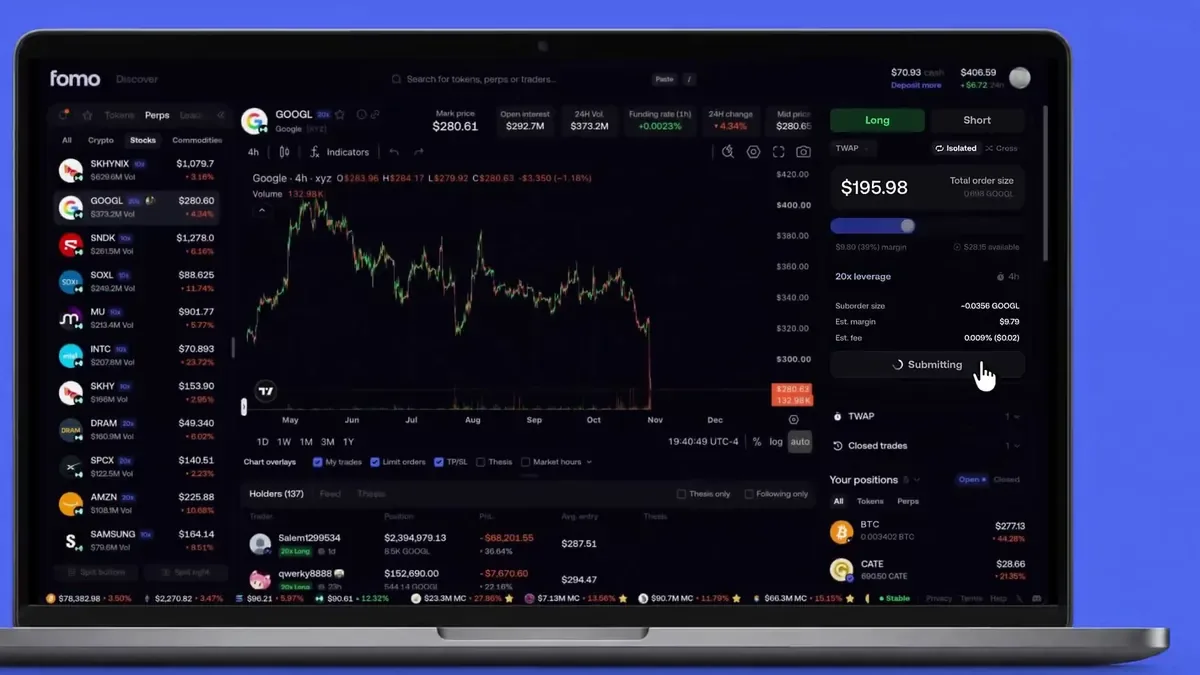
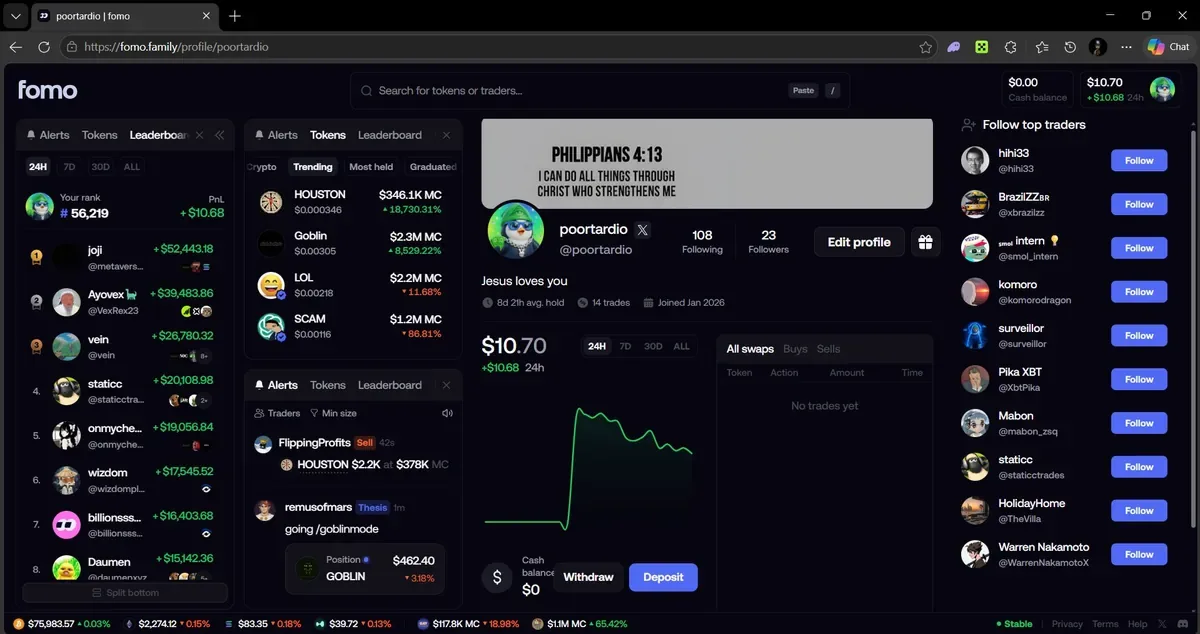
Fomo runs in a browser at fomo.family as well as on iPhone and Android. Sign in with the same Apple ID or Google account you use on your phone and you land in the same account, with the same wallets, cash balance and positions. There is nothing to install and no second wallet to fund.
The web app went live on April 29, 2026. Perps came to it on October 24, and the Discover trading screen arrived the same month. Below: how to sign in, what carries over from your phone, what each version can do that the other can't, and the one mistake that makes people think their money has vanished.
How to sign in to Fomo on the web
- Type fomo.family into the address bar yourself. Don't arrive through an ad, a DM or a reply on X, because copies of trading sites turn up in all three.
- Click Continue with Apple or Continue with Google. The phone app labels the same buttons Sign in with Apple and Sign in with Google.
- Choose the exact account you signed up with on your phone. If you hid your email when you first used Sign in with Apple, pick the same Apple ID again.
- If the site still shows a sign-up or create account prompt after you picked the right login, click through it. It loads your existing account and does not make a second one.
Your Fomo account belongs to that login and nothing else. Pick a different Apple ID or Google account and Fomo opens a new account with new, empty wallets. Your money is still sitting in the first one. Sign out from the account menu and sign back in with the login you used on day one.
What syncs between your phone and the web
Everything that belongs to the account follows you from one screen to the other:
- Your wallets, cash balance, holdings and perps positions
- The traders you follow
- Multi-factor authentication. Turn it on in the app or on the web and it is on for both.
- The web PIN lock, once you set one
A few settings stay on the device where you changed them. This is where most of the "why is it different on my laptop" questions come from:
- Slippage
- App language
- Feed filters
- The network filter on token lists
- Your Discover layout and any tokens you hid there
So if the laptop feed shows other trades than your phone, or a web trade fails on slippage you thought you had raised, check that setting on the device in front of you. Notification settings are a special case: they live in the phone app, and the web only has the Trader activity alerts switch for traders you follow.
What the web app does that the phone app doesn't
Discover
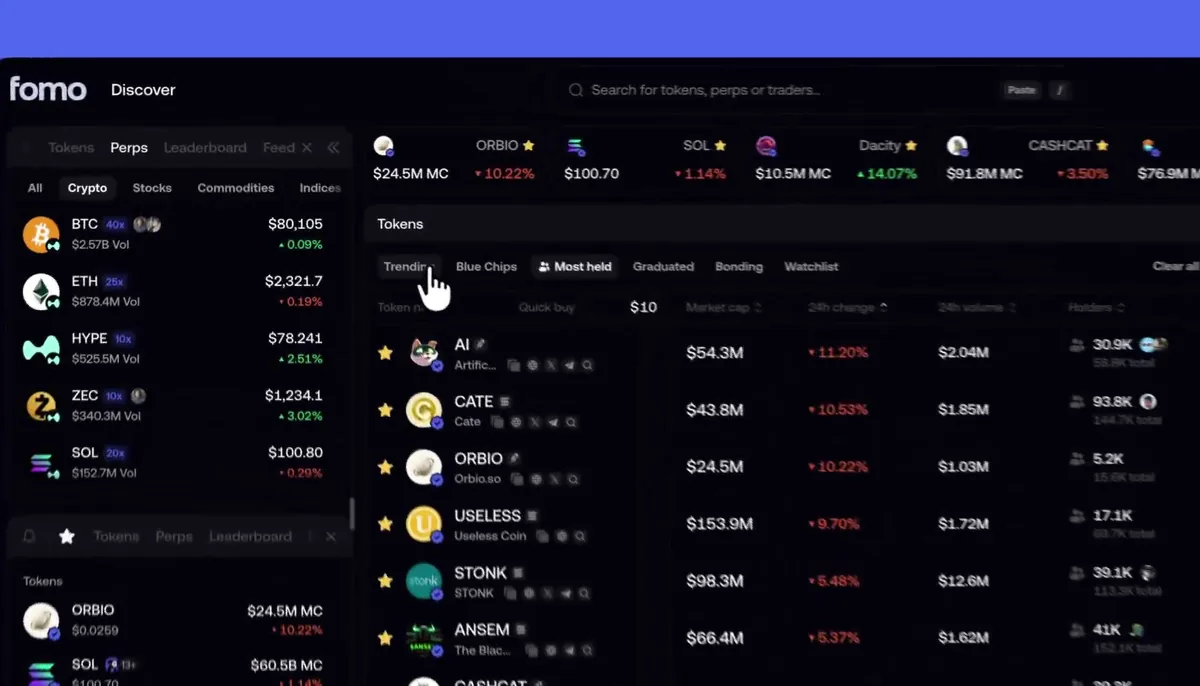
The Discover page at fomo.family/discover exists only on the web. It puts a live token table, your watchlist, your positions and side panels on one page. The table has six lists across the top: Trending, Crypto, Most held, Graduated, Bonding and Watchlist. Columns show market cap, price change, volume, holders and the latest thesis, and a click on a header sorts by it. Filters above the table cover market cap, volume, network and launchpad, plus liquidity and age on the newer lists.
Quick buy lives in the token name header. Set an amount from $2 to $5,000, hover a row and click Buy, and the trade goes through from your cash balance on whatever chain the token is on. It skips the price impact review that a token page shows before a trade, so keep that amount small until you trust your filters.
One-click trades on your open positions
Each row of your open positions list gets a lightning button, with buy presets in dollars and sell presets in percent. It does the job that Quick Trades does on the phone.
Room for the chart
A token page on the web shows the chart, the buy and sell panel and the token's feed side by side, with your Following feed as its own tab. If you watch charts while you trade, this layout is the main reason to open a laptop. The web also shows how many people viewed a thesis, which the app doesn't.
What only the phone app can do
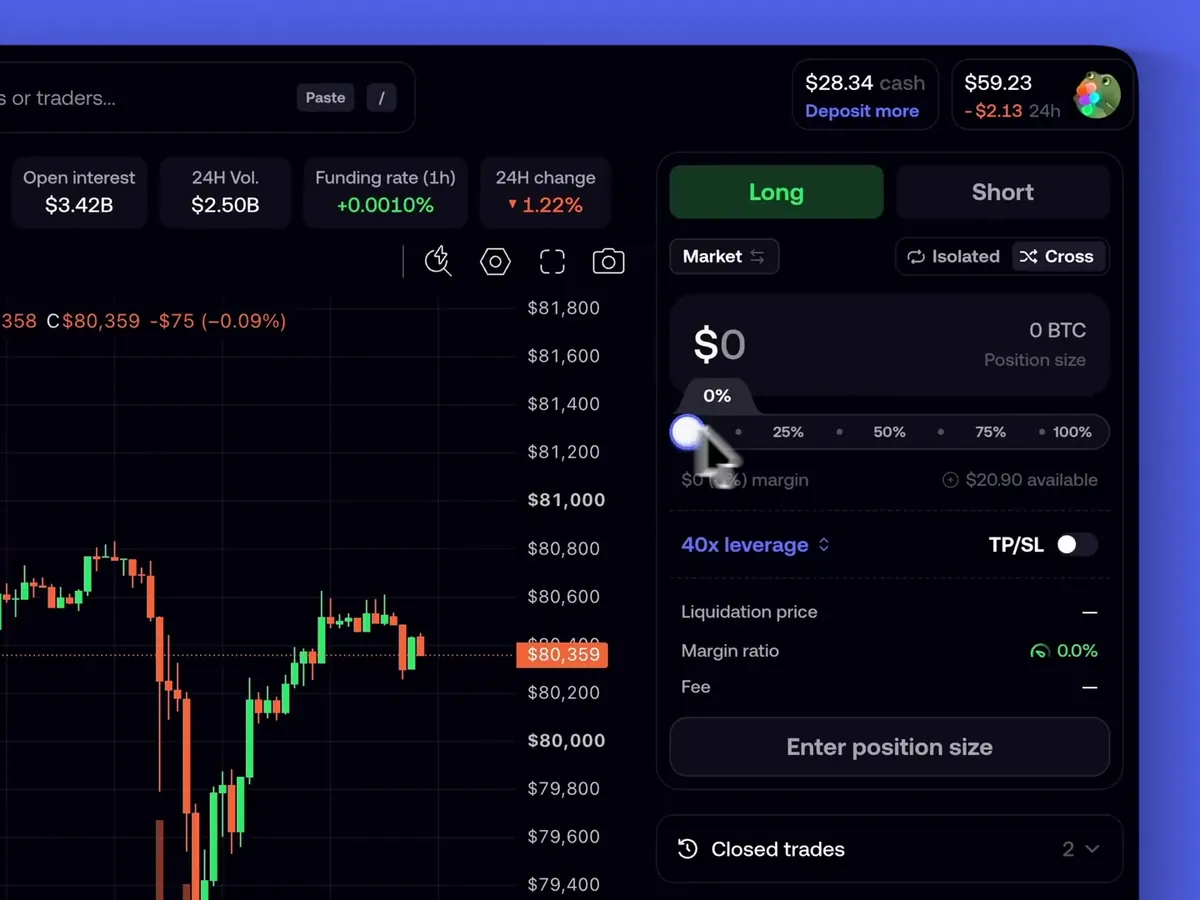
- Card, Apple Pay and bank deposits. On the web you add money only by sending USDC, or USDG on Robinhood Chain.
- Bank withdrawals. The web withdraws to a crypto wallet only.
- The Exchanges and apps tile for Cash App and Coinbase.
- Quick Trades, the buy and sell chips behind the lightning bolt on a token page.
- The Gainers list on the Tokens tab.
- Screen Lock with Face ID, Touch ID or a fingerprint.
- The Clans tab on the leaderboard. The web shows Traders and Positions.
- The full History screen. The web shows your Transfers.
- Most notification settings, as covered above.
The split a lot of people settle into is simple: add money on the phone, trade and research on the laptop. Both read the same cash balance, so a $20 Apple Pay top-up on the bus is ready to spend on the web the moment it lands.
Where the settings are on the web
The web has no bottom bar. Hover your profile picture at the top of the page to open the account menu. Settings is there, and inside it Language and Security. Your wallet addresses sit under Manage account in the same menu, or under Settings, then Account and addresses. Contact support is in that menu too.
Trading on a shared screen or in a café? Turn on Blur balances in that menu and your numbers turn to stars until you switch it off.
How to keep the web app safe
A browser has more ways in than a phone app, and the attacks aimed at Fomo traders are specific. Five habits cover almost all of them:
- Turn on the PIN lock under Settings, then Security. It is saved to your account, so every browser you sign in to asks for the PIN and unlocks on its own.
- Turn on multi-factor authentication if you haven't yet. One switch covers the app and the web.
- Never drag a button to your bookmarks bar because a site or a "support agent" told you to. Those bookmarklets run code inside the page you have open, with your session. Fomo says it will never ask you to install a bookmark, a script or an extension.
- If Fomo shows you its Security warning page, read it and follow the steps before you sign in again.
- Log out when you finish on a shared or public computer.
Fomo doesn't publish a list of supported browsers. Its own security help gives steps for Chrome, Safari, Edge and Firefox, so an up-to-date copy of one of those is the safe choice. The guide to bookmark and fake captcha attacks goes into the tricks in more detail.
Common web problems
My balance is zero on the web
You signed in with a different Apple ID or Google account than on your phone. Sign out and sign back in with the original login. The empty account you just made does no harm.
I can't find card deposits on the web
They aren't on the web. Use the phone app for card, Apple Pay or bank deposits, or send USDC from another wallet or exchange to your deposit address.
A token link from X opens a preview page
That happens when you aren't signed in. Sign in on that page, or open the link in the phone app, and the token itself opens.
My phone and my laptop show different feeds
Feed filters are saved on each device. Open Filters on both and set them the same, or tap Reset on each.
Can I use fomo.family in my phone's browser?
You can open it, but the app is the better tool on a phone. It has Screen Lock, card and Apple Pay deposits and Quick Trades, none of which the browser version offers.
For a screen-by-screen map of the phone app, see the tab-by-tab tour of the Fomo app. Never signed up? Creating a Fomo account takes a few minutes, and our Fomo Web page sums up the desktop version on one screen.
 Written by Mohammad ShahpariCrypto and SEO specialist
Did this answer your question?
Thanks for the feedback.


