How to Send Tokens From Fomo to Another Wallet
Fomo withdraws USDC to any wallet, but tokens need your exported key. Two ways to move tokens out of Fomo, which key to use and how to keep it safe.

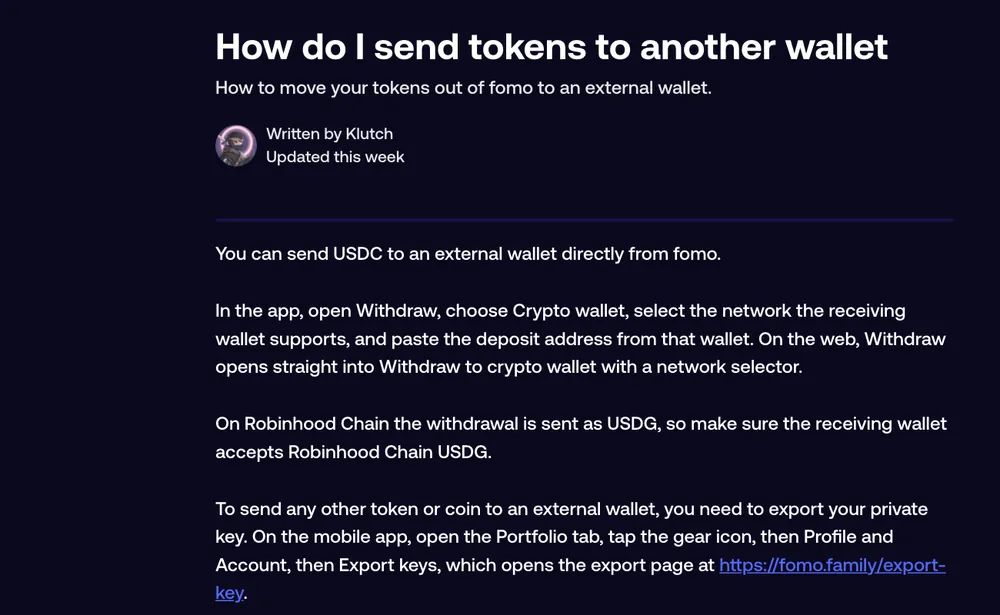
Fomo can send USDC to an outside wallet directly: choose Withdraw, then Crypto wallet, pick the network and paste the wallet's address. Tokens are different. To move a memecoin, SOL, ETH or any token other than USDC to another wallet, you export your private key from Fomo, import it into a wallet app you trust, and send the token from there. Fomo has no button that withdraws a token as a token.
Both routes reach the same place. The first is simpler; the second gives you full control, with the risk that comes with handling a key.
Option 1: Sell, then send USDC
For most people the easy route is to sell the token to cash in Fomo, then withdraw the USDC.
- Sell the token on its page. The money lands in your cash balance.
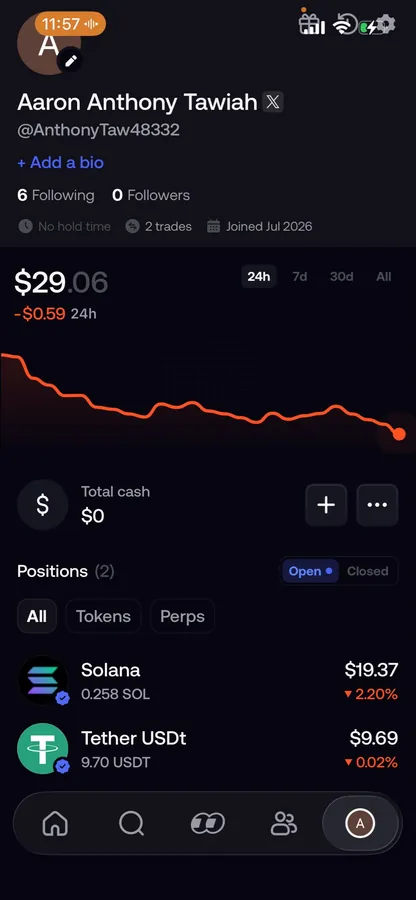
- Tap the three dots next to your cash balance, then Withdraw, then Crypto wallet.
- Pick the network the receiving wallet supports, out of Solana, Base, BNB Chain, Monad, Ethereum, Robinhood Chain, Arc and Elysium.
- Paste the receiving wallet's address for that network, review the fee and confirm.
On Robinhood Chain the withdrawal goes out as USDG, so check that the receiving wallet accepts USDG on Robinhood Chain. The catch with this route is that you sell. If you want to keep holding the token in another wallet, use option 2.
Option 2: Export your key and send the token
- In the app: Portfolio tab, gear icon, Profile and Account, Export keys. Tick the two boxes and slide to export. On the web: account menu, Manage account, Export keys.
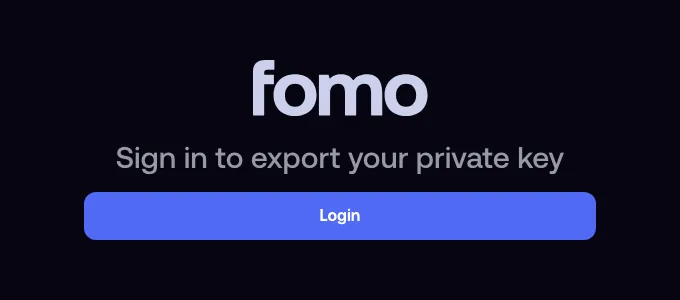
- The export page at fomo.family/export-key opens and asks you to sign in with the same Apple ID or Google account you use in the app. Sign in with a different one and you'll see a different wallet.
- Confirm the risks and answer the short questions in your own words, for example "importing it into my own wallet".
- Choose the key that matches the token's chain: the Solana key for Solana tokens, the EVM key for tokens on Base, BNB Chain, Monad, Ethereum, Robinhood Chain, Arc or Elysium.
- Import the key into a non-custodial wallet that supports that chain. It opens the same wallet you have in Fomo, with the same tokens.
- From that wallet app, send the token to the address you want.
The wallet app needs a little of the chain's own coin to pay the network fee, since Fomo's gas coverage applies only to trades inside Fomo. On Solana that's a small amount of SOL; on Base or Ethereum, a little ETH.
When option 2 is the only way
- Dust. Holdings under the 2 USDC sell minimum can't be sold in Fomo, but they can be moved or burned from another wallet.
- Tokens Fomo doesn't support. Something sent to your address that the app can't trade.
- Funds on an unsupported network. USDC sent to your EVM address on Arbitrum or Polygon, for example, which Fomo doesn't read.
Keep the key safe
A private key is full control of the wallet. Never share it, never paste it into a website, never send it to anyone, including support, and don't store it as a screenshot or in your notes or cloud. If someone asks you for it, that's the scam. And remember a key can't be changed like a password: once it has been somewhere you don't trust, move your funds to a wallet whose key never left your hands.
Common questions
Can I send a token to another Fomo user without exporting?
Yes, if it's a verified Solana token. Use Send by username; see how to send money to another Fomo user.
Does exporting the key move my funds?
No. It opens the same wallet in a second app. Your Fomo balance and the other app show the same tokens.
Which key is which?
The Solana key controls only your Solana address. The EVM key controls your one EVM address on every EVM chain. One never opens the other.
Related: can you import an existing wallet into Fomo and where to find your wallet addresses.
 Written by Mohammad ShahpariCrypto and SEO specialist
Did this answer your question?
Thanks for the feedback.