
How to Withdraw Money From Fomo to Your Bank, Wallet or Exchange
Withdraw from Fomo to a US bank in 1 to 3 business days or send USDC to a wallet or exchange. Steps, speeds, fees and the addresses that lose your money.

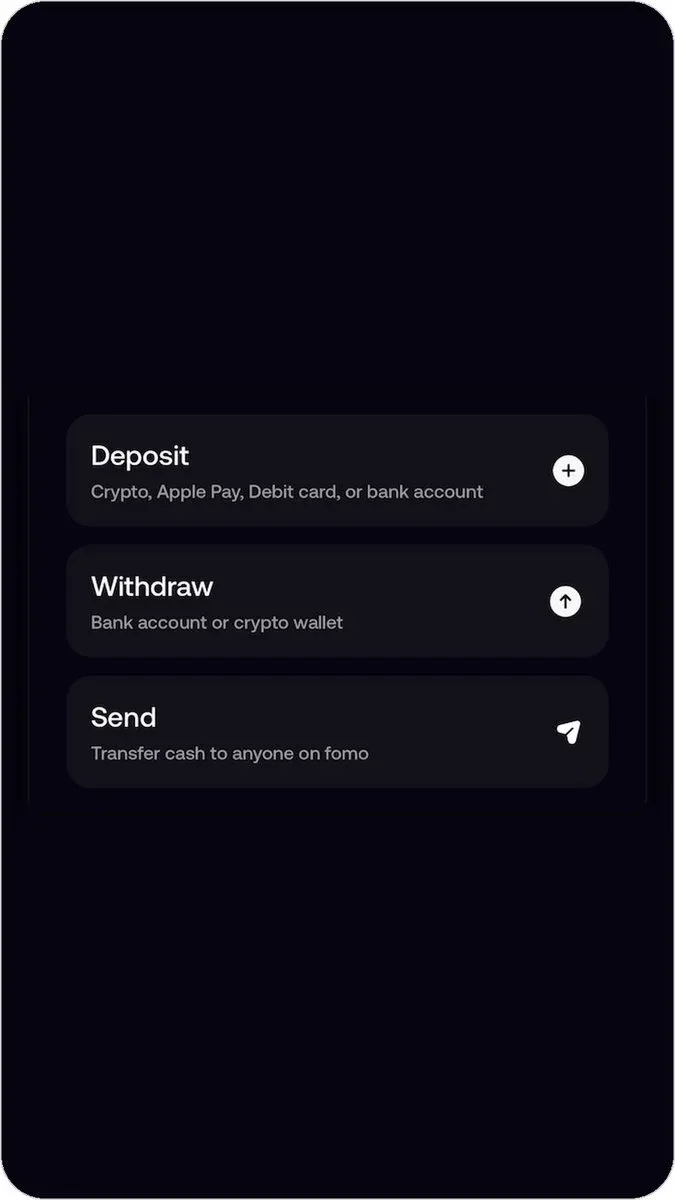
To withdraw from Fomo, open the Portfolio tab, tap the three dots next to your cash balance and choose Withdraw. Then pick Bank account to send dollars to a US bank, or Crypto wallet to send USDC to another wallet or an exchange. On the web app, Withdraw goes straight to the crypto option, because bank withdrawals are in the phone app only.
A withdrawal moves cash. Tokens you hold have to be sold first, so the money lands in your cash balance. Here's how each route works, what it costs and the one destination that loses your money for good.
Before you withdraw
- Sell what you want to take out. Withdraw sends from your cash balance. A memecoin you still hold has to be sold back to cash first.
- Bring perps money back. Cash in your perps account has to be transferred to your cash balance before you can withdraw it.
- Turn on MFA. Fomo asks for multi-factor authentication on every withdrawal once it's on, which is what stops someone with your phone from emptying the account.
Withdraw to a bank account (US only)
- In the phone app, tap the three dots next to your cash balance, then Withdraw, then Bank account.
- The first time, verify your identity with a government ID. Fomo's partner Spritz runs the check and the payout.
- Add your US bank account, enter the amount, pick a speed and confirm.
Standard takes 1 to 3 business days. Depending on your bank, a faster option appears: Instant, which arrives in minutes, or Faster, which Fomo estimates by the next business day. The review screen shows the fee for each speed, and it can be Free. The minimum is $3. Fomo announced free ACH withdrawals in March 2026, but check the review screen, because the fee depends on the speed you pick.
More on timing and statuses in how long a Fomo bank withdrawal takes, and on the ID check in why Fomo asks for identity verification.
Withdraw to a crypto wallet or exchange
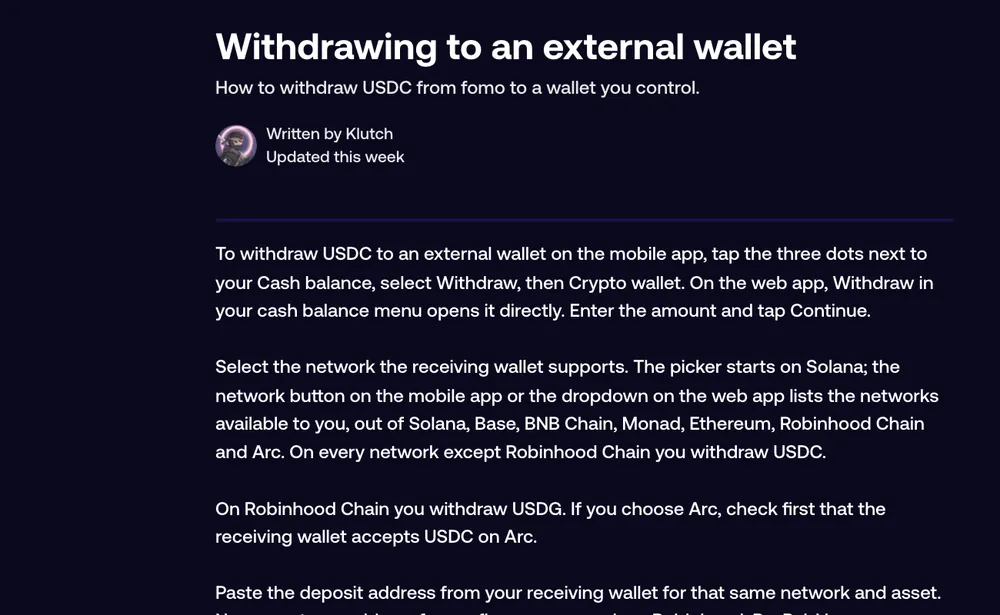
- Tap the three dots next to your cash balance, then Withdraw, then Crypto wallet. On the web, Withdraw opens this directly.
- Enter the amount and tap Continue.
- Pick the network the receiving wallet or exchange supports. The picker starts on Solana; the list shows the networks open to you, out of Solana, Base, BNB Chain, Monad, Ethereum, Robinhood Chain, Arc and Elysium.
- Paste the receiving address for that same network and asset.
- Tap Review, then slide to confirm in the app, or tick the warning and tap Confirm withdraw on the web.
On every network except Robinhood Chain you send USDC. On Robinhood Chain you send USDG, so only pick it if the other side accepts USDG on Robinhood Chain. Only pick Arc if the receiving wallet accepts USDC on Arc. Each network has a minimum; if you're under it the app says Amount too low and shows the figure. The review screen shows the fee, which can be Free.
For exchanges like Coinbase or Binance, the step-by-step is in how to withdraw from Fomo to an exchange.
Never withdraw to a finance app's crypto address
Fomo can't send to PayPal, Venmo, Robinhood or Wealthsimple, and funds sent to one of their addresses are lost. Those apps mostly don't accept USDC on the networks Fomo uses, so the coins arrive somewhere the app can't see. The Withdraw screen warns about this for a reason. To get money into one of them, withdraw to your bank first, or to an exchange, and move it on from there.
Which withdrawal method fits?
| You want | Use | Speed |
|---|---|---|
| Dollars in a US bank | Bank account, phone app | Minutes to 3 business days |
| Dollars outside the US | Crypto wallet to an exchange, then the exchange's bank withdrawal | Minutes on Solana, then the exchange's own timing |
| Crypto in your own wallet | Crypto wallet, same network on both sides | Seconds to minutes |
| Money to a friend on Fomo | Send, not Withdraw | Seconds |
| A token, not cash, to another wallet | Export your key and send it from another wallet | Depends on the chain |
Common questions
Can I cancel a withdrawal?
A crypto withdrawal that has confirmed on-chain can't be reversed by anyone. A bank withdrawal showing Pending can't be cancelled either, by you or by support; it runs on by itself.
Why did my profile chart drop after I withdrew?
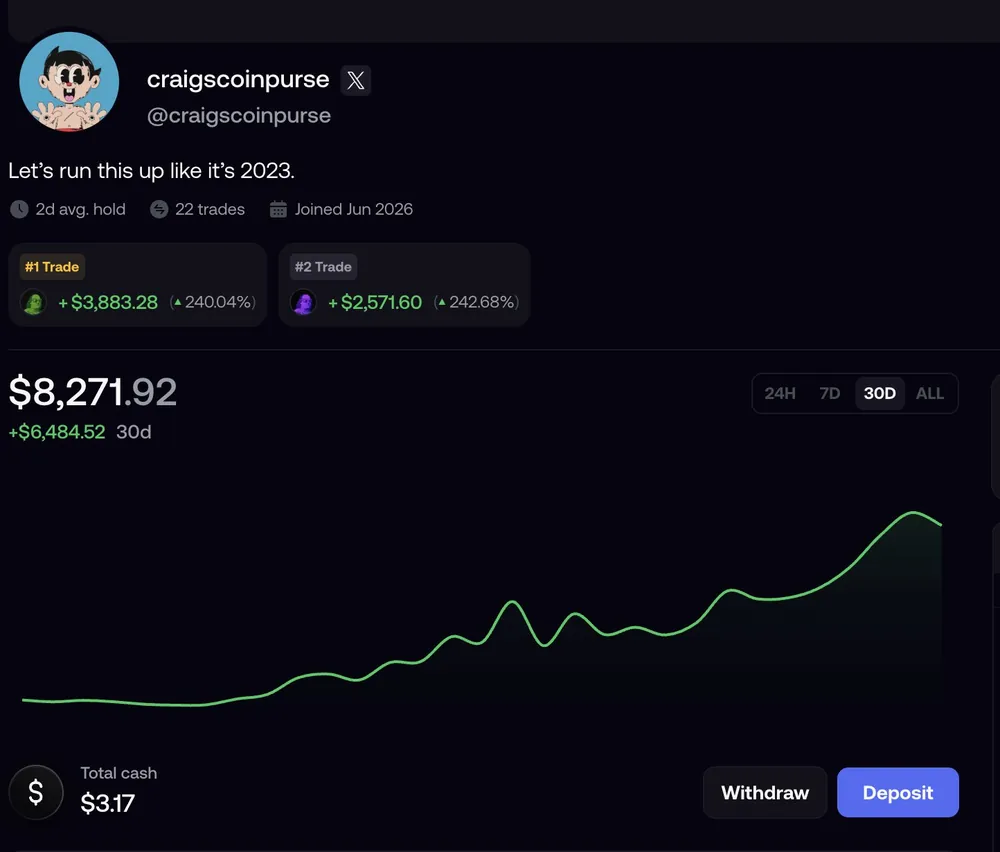
The chart shows your total portfolio value, and the money left. It isn't a trading loss.
I'm outside the US. Can I get dollars into my bank?
Not directly from Fomo. Withdraw USDC to an exchange that operates in your country, sell it there, and use the exchange's bank withdrawal.
Related: can you use PayPal, Venmo or Cash App with Fomo and how to send money to another Fomo user.
 Written by Mohammad ShahpariCrypto and SEO specialist
Did this answer your question?
Thanks for the feedback.


