
How to Send Money to Another Fomo User
Send USDC or a verified Solana token to any Fomo user by username, from $1, with a note. How to send, what to check first and why it can't be undone.

To send money to another Fomo user, open the Portfolio tab, tap the three dots on your cash balance, then Send, search their username, enter the amount and slide to send. You can also open their profile and tap Send at the top right. You can send USDC from your cash balance or any verified Solana token you hold, from $1, with an optional note they can read. It arrives in seconds, and it can't be taken back.
It's how people pay a friend back, run a giveaway or send someone their first token. Here's how it works and what to check first.
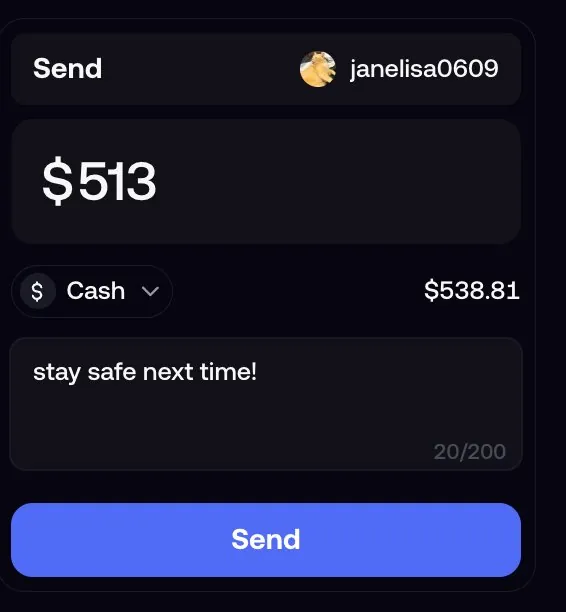
How to send from your cash balance
- Open the Portfolio tab and tap the three dots on your cash balance row.
- Tap Send and search for the person's username.
- Enter the amount. To send a token instead of cash, tap the asset and pick it.
- Tap Continue and add a note if you want.
- Check the recipient, amount and fee on the screen, then slide to send.
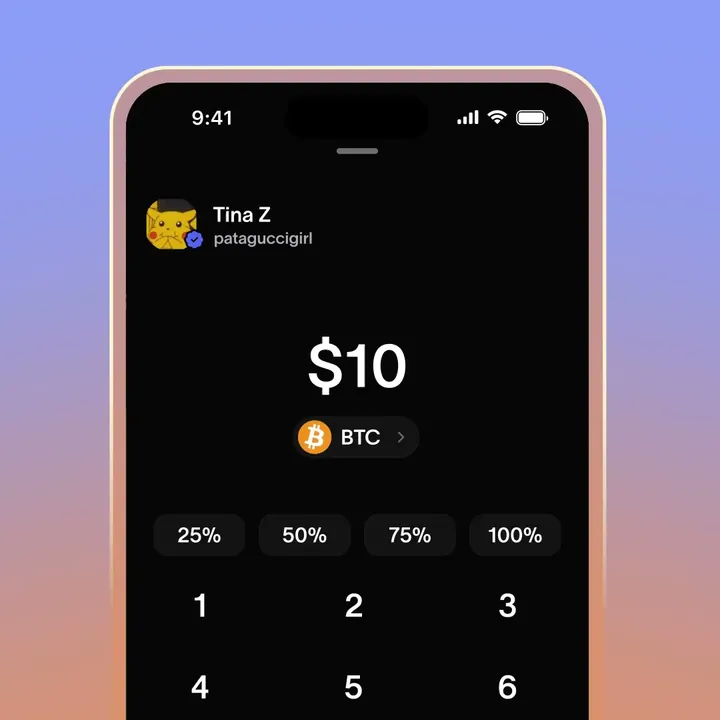
How to send from someone's profile
Open the person's profile and tap Send at the top right. If you don't follow them, it shows as a paper plane icon. Pick the asset and the amount, then confirm. On the web app, the Send panel sits on the person's profile, and the recipient, amount and fee show there before you click Send.
One thing to know: Send on a trader's profile sends that person money. It doesn't copy their trades. Fomo has no copy trading, so there's no button on a profile that mirrors someone's positions.
What you can send
- USDC from your cash balance, from $1.
- Verified Solana tokens you hold, picked from the asset menu. On a token page in your holdings, the send arrow at the top right does the same.
- Not perps money. Only cash in your cash balance can be sent; cash moved into your perps account has to be transferred back first.
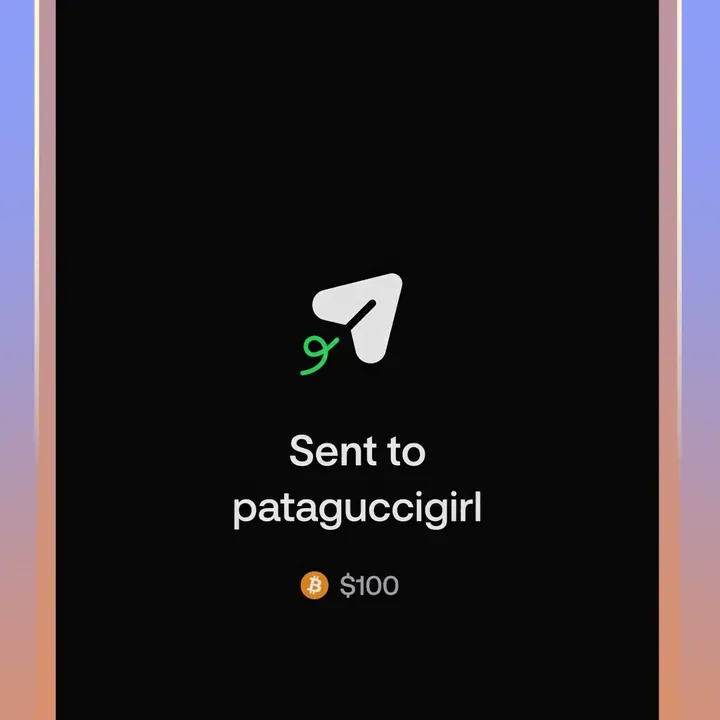
Notes and cards
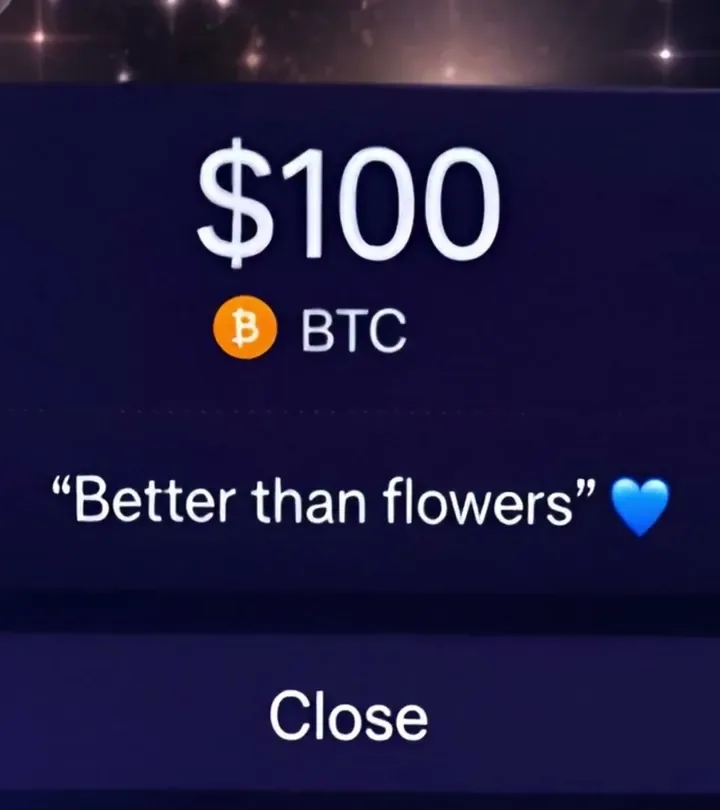
You can attach a note of up to 200 characters to a Send. The recipient reads it in History, the clock icon at the top of the Portfolio tab, by tapping View message on the received Send. On the web, the note shows on the sender's profile under Sends between you. Fomo has run seasonal cards for sends, such as Valentine's Day and Lunar New Year designs.
Small sends are quiet: a Send under 5 USDC doesn't trigger a push notification, so the recipient may not notice it until they open the app.
Check before you slide
Transfers between Fomo users are on-chain transactions. Once confirmed, they can't be reversed by you, the recipient's app or Fomo's support. Usernames can look alike, and display names can be copied, so:
- Search the exact username, and open the profile to make sure it's the right person.
- Read the amount twice; it's easy to add a zero on the keypad.
- Never send to someone who messaged you first claiming to be Fomo support, a giveaway or a trader offering to "manage" your money. Nobody at Fomo asks you to send money.
Every send also asks for multi-factor authentication once you've turned it on, which stops someone who picks up your phone from sending your balance away.
Common questions
Does the other person need a Fomo account?
Yes, for Send by username. To send to anyone else, use Withdraw to a crypto wallet with their address. See how to send tokens from Fomo to another wallet.
Is there a fee?
The screen shows the fee before you slide to send. Sends happen on Solana, where network costs are a fraction of a cent.
I sent to the wrong person. Can support undo it?
No. Ask the person to send it back; a confirmed transfer can't be reversed.
 Written by Mohammad ShahpariCrypto and SEO specialist
Did this answer your question?
Thanks for the feedback.


