
Apple Pay on Fomo: Topping Up vs Buying a Token Directly
Apple Pay on Fomo either adds cash from $5 or buys one token directly. Where each option is, which cards work, fees, limits and what to do when it fails.

Apple Pay on Fomo does two different things, and they sit in two different places. Tap Deposit, then Debit, and Apple Pay adds dollars to your cash balance as USDC, from $5. Tap the Apple Pay tile on the Deposit screen instead, and it buys one specific token directly; your cash balance doesn't move. Most Apple Pay confusion on Fomo comes from picking one when you meant the other.
Both run in the iPhone app only, and both need a bank-issued debit card in Apple Wallet. Here's how each one works, what it costs and what to do when it fails.
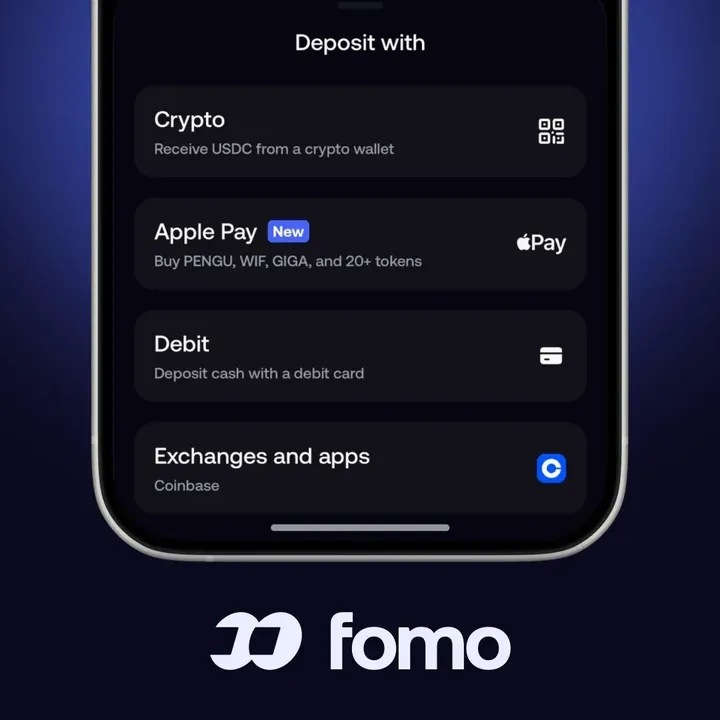
Which Apple Pay option do you need?
| Cash top-up with Apple Pay | Buy a token with Apple Pay | |
|---|---|---|
| Where | Deposit, then Debit | The Apple Pay tile on the Deposit screen, or a token page |
| What you get | USDC in your cash balance, ready for any token on any chain | One specific token in your holdings |
| Minimum | $5 | Shown at checkout |
| Limit | Shown under Details | $2,500 a day, resetting at midnight US Eastern time |
| Run by | A payment provider, often shown on your statement | Crossmint |
If you're new and don't know yet what you want to buy, use the cash top-up. It leaves you free to pick any token later and to split the money between several.
How to add cash with Apple Pay
- On the Home screen, tap Deposit. You can also tap the plus sign next to your cash balance on the Portfolio tab.
- Tap Debit. The Deposit cash screen opens, with Apple Pay already selected when your account has it.
- Check the payment method row at the top says Apple Pay. If it says Debit card, tap it, open Details and pick Apple Pay. If Apple Pay isn't listed there, it isn't available to your account right now.
- Enter the amount in dollars. The button shows the minimum, $5.
- Review the checkout, which shows the payment provider's fee before you pay, then confirm with Face ID or Touch ID.
The USDC usually lands in your cash balance within a few minutes. Fomo adds no fee of its own; the provider's fee comes out of the charge, so $20 on your bank statement arrives as a little under 20 USDC. Your statement may show the provider's name rather than Fomo. The first deposit can ask you to verify a phone number by text, confirm the wallet is yours or complete an identity check, depending on your account. You don't need an account with the provider.

How to buy a token directly with Apple Pay
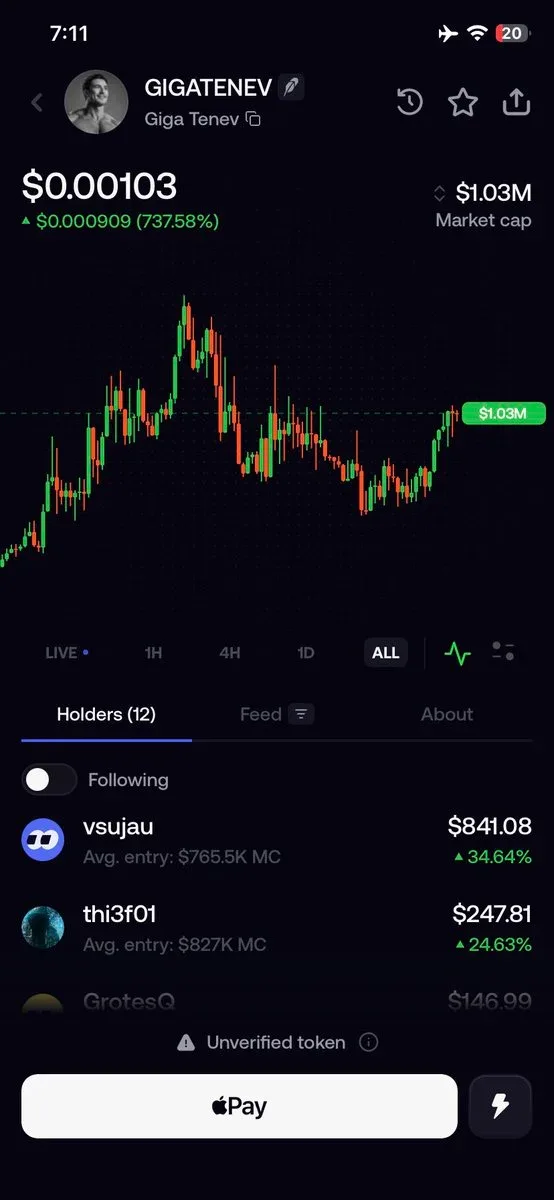
- Tap Deposit, then the Apple Pay tile. A list of tokens you can buy this way appears.
- Pick the token, enter the amount and authorize with Apple Pay.
- The token goes into your holdings. Your cash balance stays the same.
Some token pages also show an Apple Pay button when the purchase is available to your account. Fomo posts which coins people buy most this way, and it's a fast route for a first purchase. The catch is that you can only choose from the listed tokens, and you can't keep the money as cash for later.
Which cards work with Apple Pay on Fomo
- Works: debit cards issued directly by a bank, saved in Apple Wallet. For direct token purchases, bank-issued credit cards are accepted too.
- Declined: Apple Cash, prepaid cards, virtual cards, Cash App Card, Venmo and PayPal cards, even through Apple Pay.
Billing details come from the card in your Wallet, so there's nothing to type in Fomo. If the checkout asks you to confirm your ZIP code, name or billing address, fix the card's details in the Wallet app and try again. Some banks block crypto purchases by default; a call to the bank often clears it.
When Apple Pay fails
"Something went wrong with Apple Pay"
A generic failure that is usually temporary. Try once more. If it repeats, tap Retry with debit card, or open Details and pick Debit card.
My bank shows a charge but nothing arrived
The payment didn't complete. What you see is an authorization hold, and the bank releases it by itself, usually within 1 to 3 business days. Weekends and holidays don't count. If it's still there after three full business days, call your bank.
The button is stuck on "Verification pending"
The identity check is stuck on the provider's side, and there's nothing to resubmit. Use another deposit method meanwhile, and message Fomo support from the app if you want the provider's contact.
"Too many attempts"
Wait at least an hour before trying again. Closing and reopening the app doesn't reset the timer, and more attempts can extend it.
The message mentions your country
Apple Pay purchases aren't open where you are, and retrying won't change it. Try a debit card through Debit, or send USDC from an exchange instead. The guide to where Fomo is available lists what depends on location.
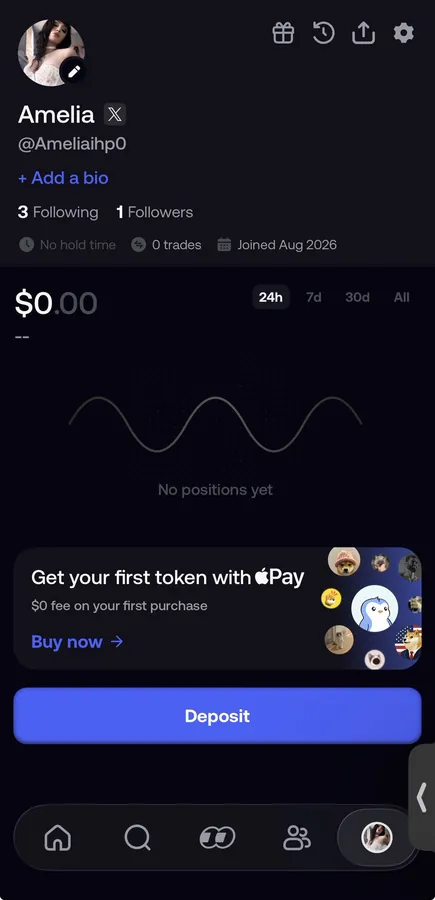
For every other way to add money, see how to deposit money on Fomo. If you already hold USDC somewhere, sending it in skips the card fee altogether.
 Written by Mohammad ShahpariCrypto and SEO specialist
Did this answer your question?
Thanks for the feedback.


